MULTIPOINT FUNCTIONALITY
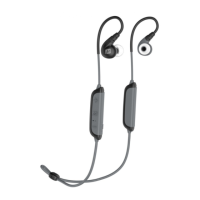
To switch between the two devices, pause audio
playback on the active device and start audio
playback on the other connected device. It takes
several seconds for the audio to switch.
Incoming calls will always take precedence over
media. When a call comes in, the X8 will automatically
activate the device with the incoming call. Some
devices, such as computers and standalone audio
transmitters, may not allow audio switching except
when a phone call occurs.
If you no longer wish to connect to multiple devices,
disable Bluetooth on the device you do not want
connected to the X8 or disconnect the “MEE audio X8”
using the Bluetooth menu of that device.


 To Next Page