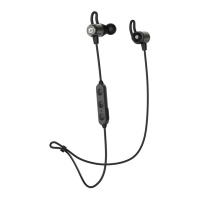
FACTORY RESET
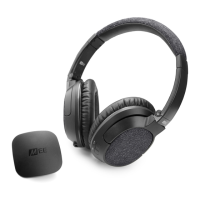
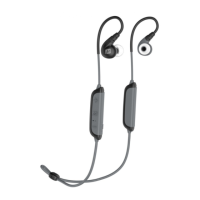
A factory reset will clear all paired devices from the
memory of the X8. To perform a factory reset, first
put the headset in pairing mode as described in
the Pairing with Bluetooth devices section. Once in
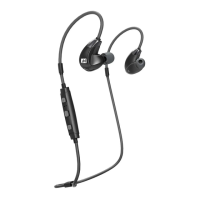
pairing mode, press and hold all three remote buttons
simultaneously for approximately 5 seconds. The red
LED indicator light will flash 5 times once the memory
has been cleared, and the unit will automatically enter
pairing mode to be paired with a new device.
Hard Reset
To perform a hard reset, insert the charging cable and
at the same time press and hold the Multifunction but-
ton until the earphone turns on. Unplug the charging
cable and plug it back in to complete the reset.
Visit MEEaudio.com/Bluetooth for additional
Bluetooth information and troubleshooting.


 To Next Page