CHARGING
Connect the charging cable to any powered USB port
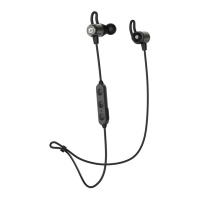
and to the charging port located on the headset’s
remote control. Charge time is approximately 2 hours.
The status indicator light will stay red while charging
and turn blue when fully charged.
Note: For maximum sweat resistance, make sure
that the USB port cover is closed completely after
charging the headset.
When the battery is low, the headset will say
“battery low” and a red light on the remote will flash
periodically.
Apple
®
devices such as the iPhone
®
, iPad
®
, and iPod
touch
®
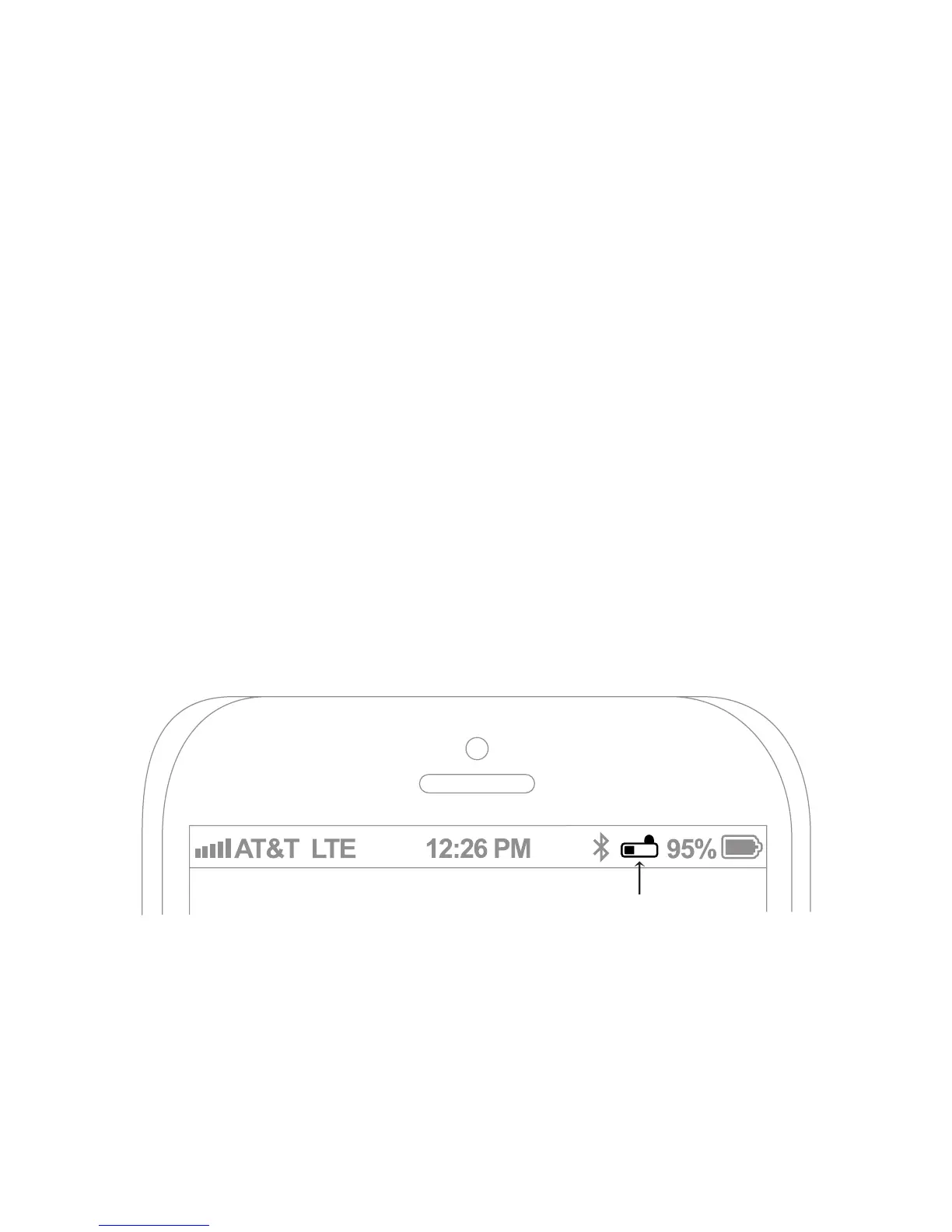
will also display an on-screen headset battery
indicator while the X8 is connected.
battery indicator


 To Next Page