53
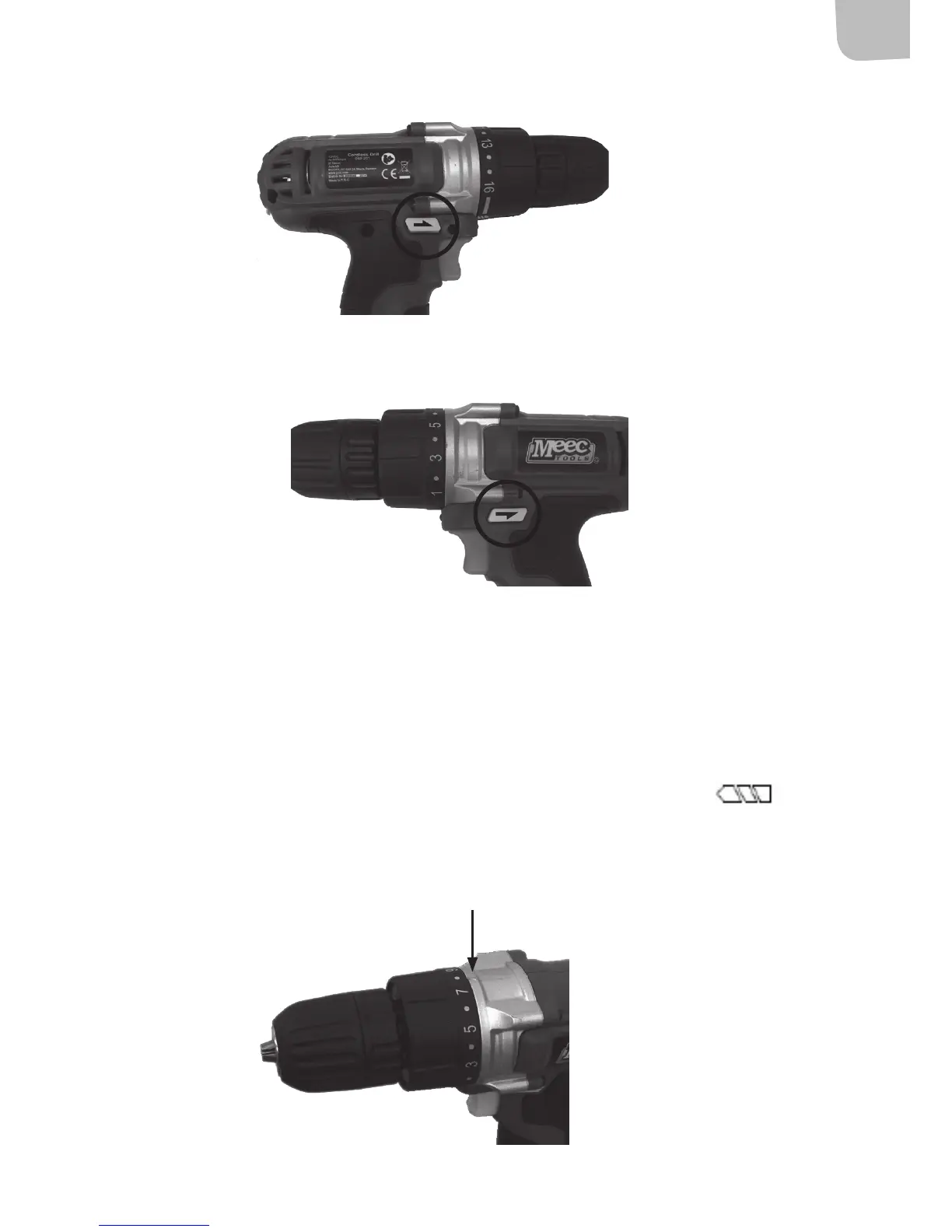
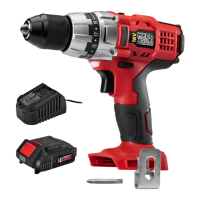
• Press in the rotation selector with the arrow pointing to the chuck for rotation to the right/screwing.
• Press in the rotation selector with the arrow pointing away from the chuck for rotation to the
left/unscrewing.
• Set the rotation selector in the middle position to lock the machine and prevent accidental starting.
TORQUE SETTING
NOTE:
• Use a suitable torque setting when screw driving. This reduces the risk of the workpiece and/or
the screw being damaged.
• Always start with the lowest torque setting and increase if necessary.
• When drilling, use the torque setting that is marked with a drill symbol.
1. Turn the torque setting ring to the required torque. The arrow marks the set torque.
Arrow for torque setting



 To Next Page