11
PHONE FUNCTIONALITY & CONTROLS (Continued)
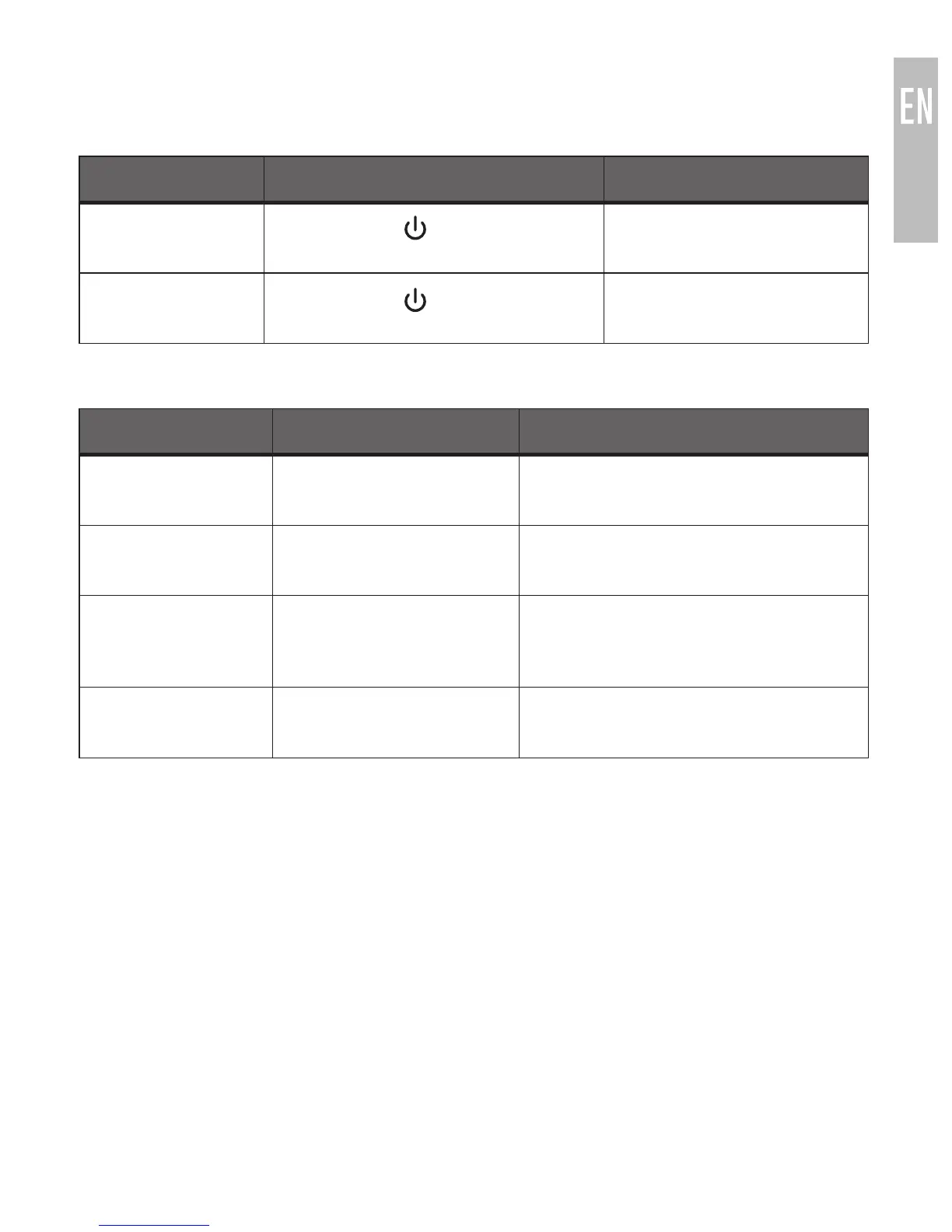
2. DIALING
FUNCTION OPERATION TONE
Voice dial / Siri Short press and + button
simultaneously
Short tone
Redial the last
number
Long press for 2 seconds Two decreasing tones
3. IN-CALL CONTROLS
FUNCTION OPERATION TONE
Volume up Short press + button Short tone when maximum
volume is reached
Volume down Short press
—
button Short tone when minimum
volume is reached
Mute
microphone
Long press + for 2
seconds
Two decreasing tones; Two
short tones every 10 seconds
while mute is active
Cancel mute Long press + for 2
seconds
Two increasing tones
Note: Phone functionality may differ depending on the device type, OS, and
version. Please refer to your mobile phone user’s manual in the event of a
discrepancy.



 To Next Page