Note: In order to save power, the headset will power off automatically if not
connected within 5 minutes of being turned on.
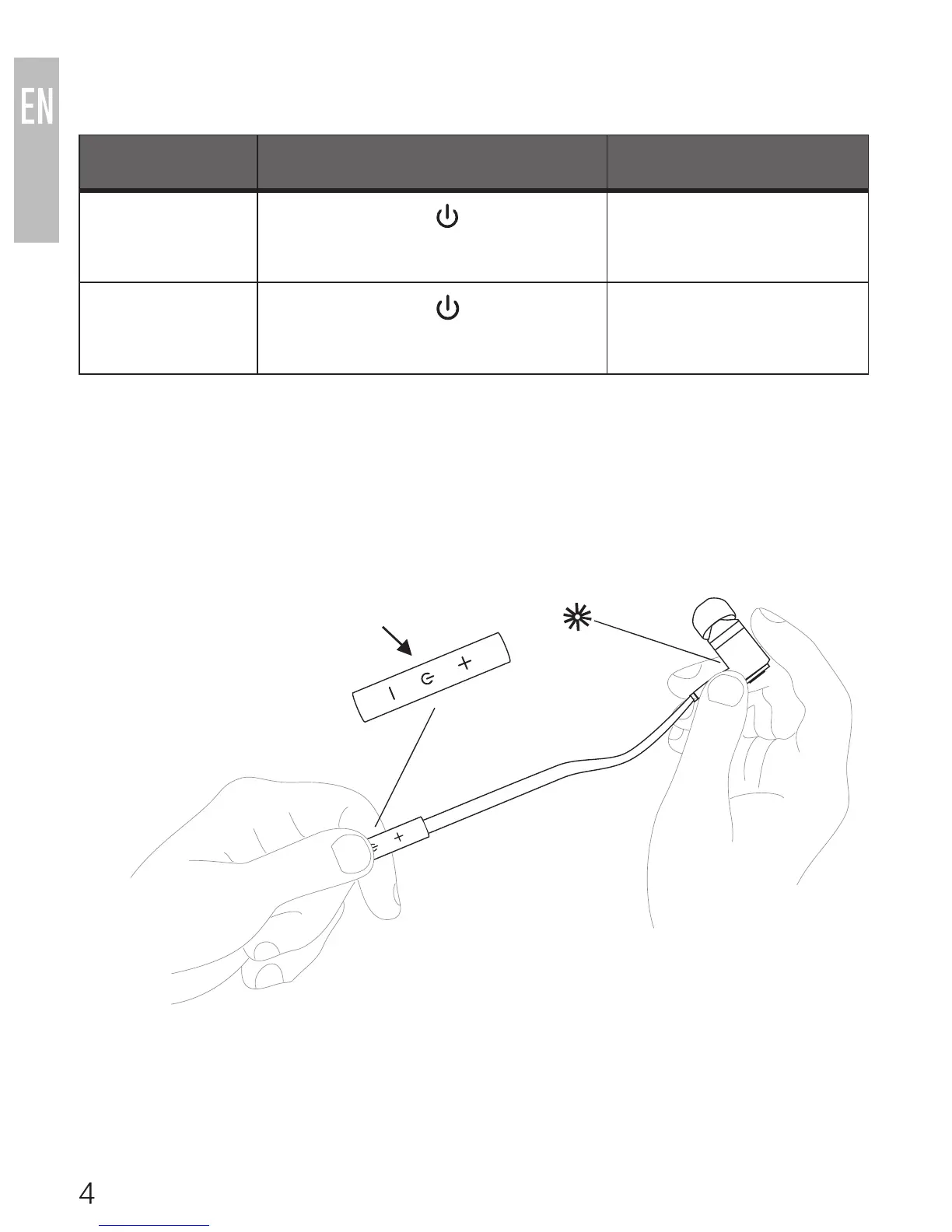
POWER ON/OFF
FUNCTIONS OPERATION TONE
Power on Press and hold button for
about 4 seconds until the blue
indicator light flashes
Four increasing tones
Power off Press and hold button
for about 4 seconds until red
indicator light flashes
Four decreasing tones
multifunction button
indicator light



 To Next Page