12
CONTROLLING MEDIA PLAYBACK
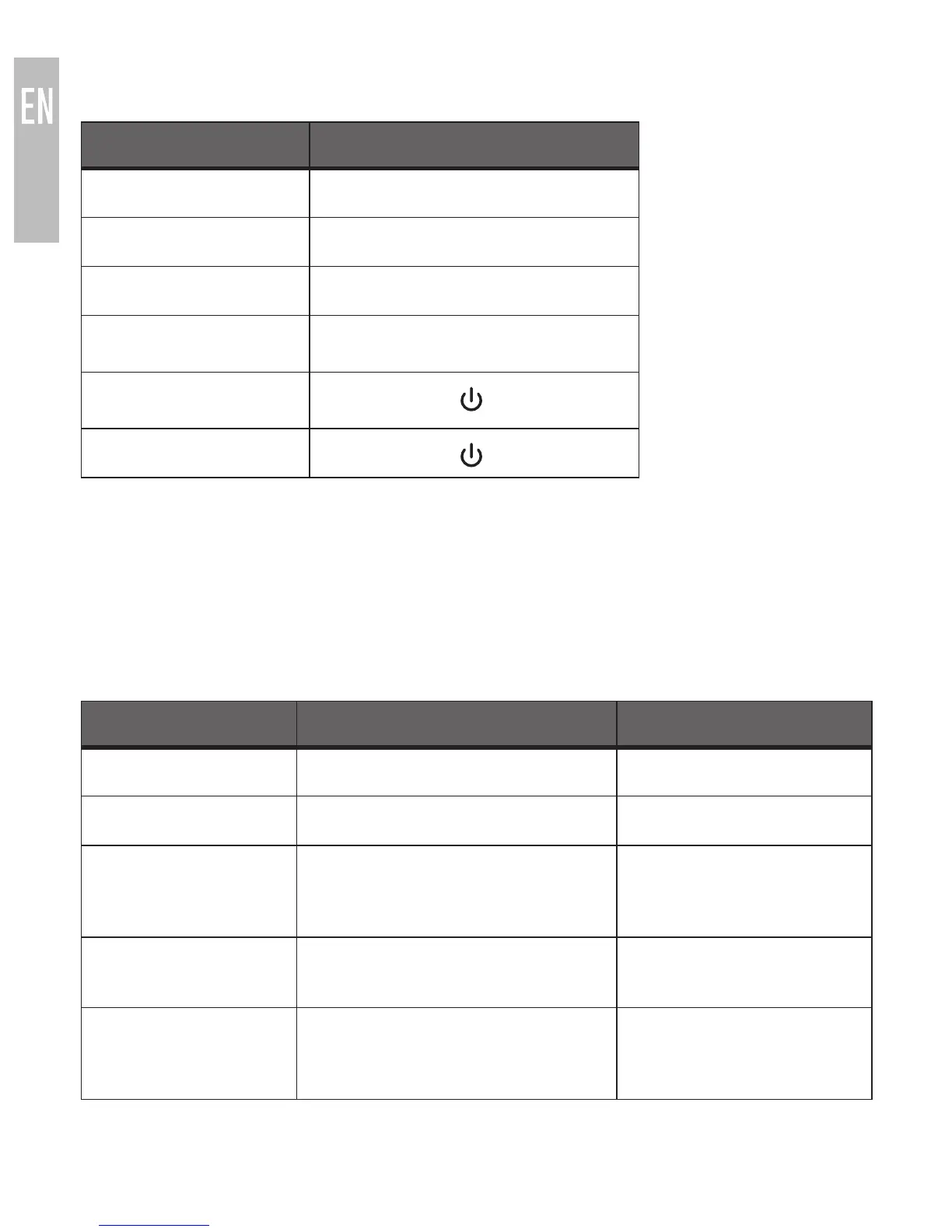
FUNCTION OPERATION
Volume up Short press + button
Volume down Short press
—
button
Previous track Long press + button
Next track Long press
—
button
Pause Short press button
Play Short press button
Notes:
• The Metro2 will beep when trying to adjust the volume above or below the
maximum or minimum settings.
• Remote control functionality requires your Bluetooth device to support the
AVRCP profile.
INDICATOR LIGHTS AND TONES
STATUS INDICATOR LIGHTS (LED) TONE
Turning on Blue LED lit for 1 second Four increasing tones
Turning off Red LED lit for 2 seconds Four decreasing tones
In pairing mode Red and blue LED flash in an
alternating manner
Two increasing tones
upon entering pairing
mode
Paired with device Blue LED lit for 1 second Long tone, then short
tone when paired
On but not
connected to a
device
Blue LED flashes once every
2 seconds
N/A



 To Next Page