CHARGING
*** You must completely charge the headset
before the first use ***
Connect the Micro-USB charging cable to any powered USB port and to the
charging jack of the Air-Fi Rumble. Make sure it is plugged in fully. Charge
time is approximately 2 hours. The red charging indicator light will stay lit
while the headphones are charging and turn off when they are ready for use.
When the battery is low, the status indicator light will be solid red and the
headset will say “battery low” every 3 minutes.
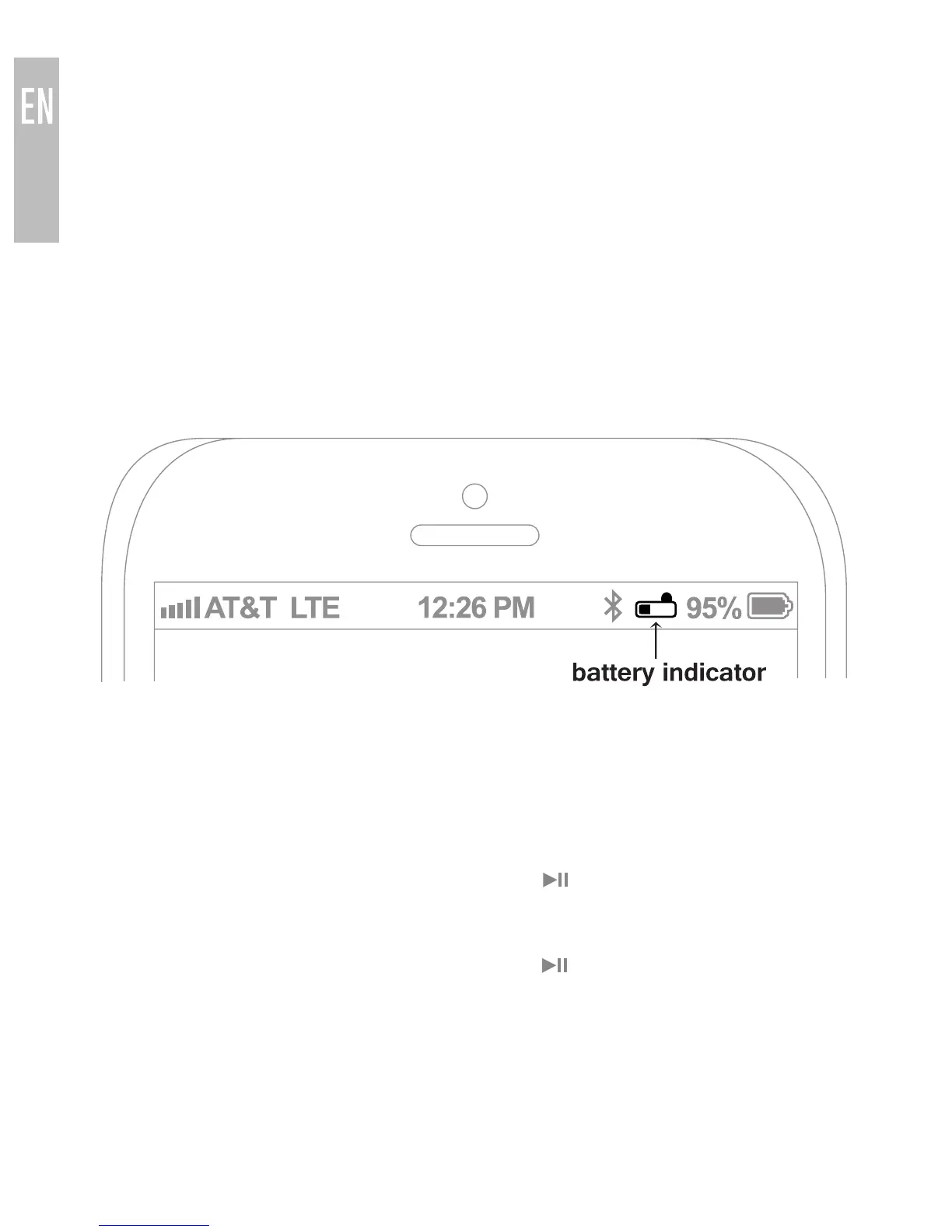
Apple® devices such as the iPhone®, iPad®, and iPod® touch will display an
on-screen headset battery indicator when the Air-Fi Rumble is connected.
TURNING ON AND OFF
To turn on, press and hold the Multifunction ( ) button for about 2 seconds.
The headphone will say “power on” and the status indicator light will flash
blue.
To turn off, press and hold the Multifunction ( ) button for about 4 seconds.
The headphone will say “power off” and the status indicator light will flash red.
3



 To Next Page