Mega 105WR ADSL2+ Router - Easy Start Guide
22
Chapter 6 – Router Setup Utility – MAC OS
(For Mac
®
OS 10.2 & above only)
6.1 Running the setup utility
• Power on your computer to start Mac OS X (V10.2 & above).
• Place the Installation CD into your CD-ROM Drive.
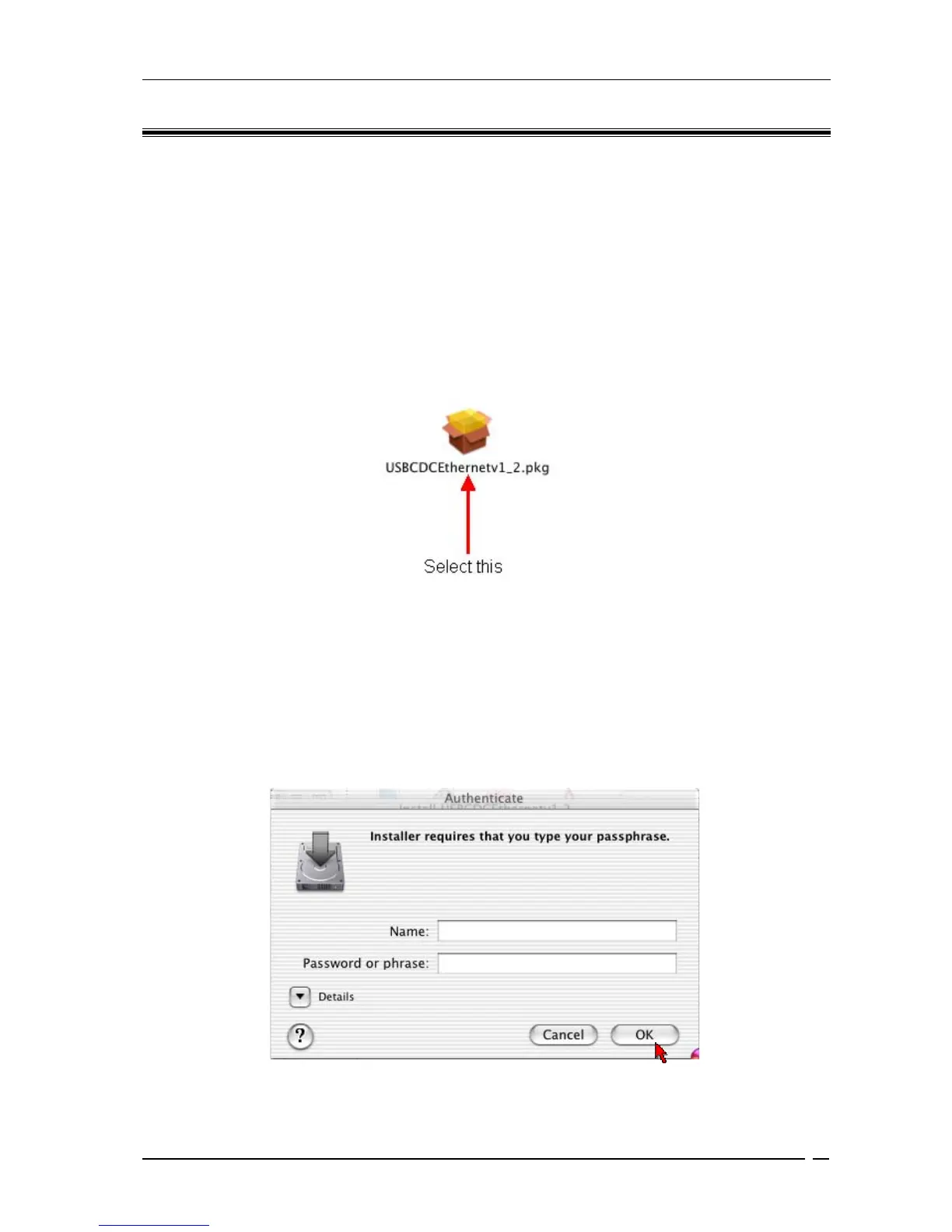
• Access to the CD-ROM drive and double-click on Mac folder. Select
USBCDCEthernetv1_2.pkg file and open, as shown in Fig 6-1.
Figure 6-1 : Installation from Location
• A Macintosh® Administrator authentication window (Figure 6-2) will be shown. Enter
your administrator login Name and Password or phrase. Click on OK to proceed.
Figure 6-2 : Authentication



 To Next Page