Mega 105WR ADSL2+ Router - Easy Start Guide
7
Chapter 3 - Telephone and power connections
3.1 Connecting the Telephone Line
There are various ways to connect your Mega 105WR to your ADSL enabled telephone line.
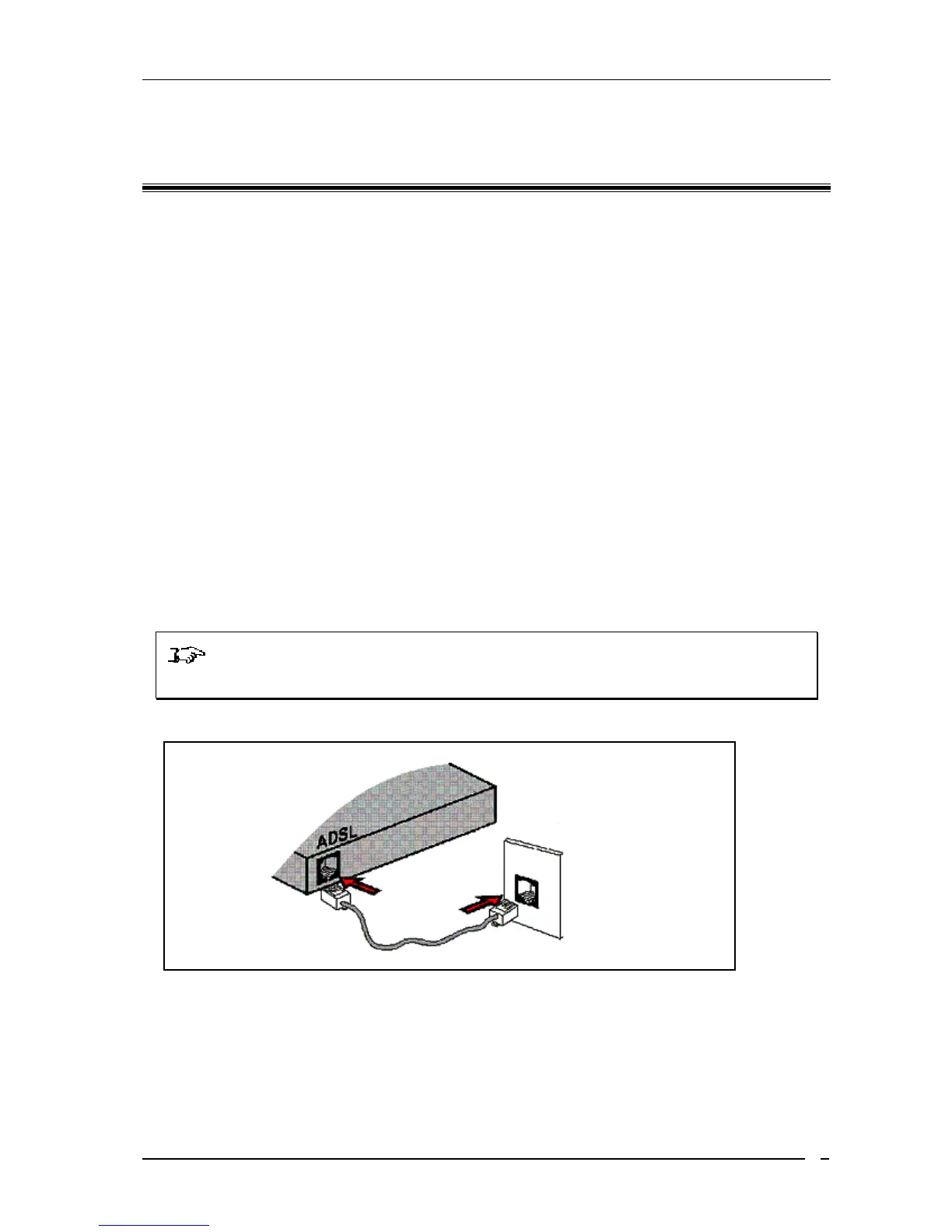
• Directly (Without a telephone connected to the same outlet)
- To make a direct connection, please connect as per Figure 3-1
- If a telephone is to be connected to another outlet that shares the same telephone
line, please connect it as shown in Figure 3-2
• Together with a telephone
- Please connect as per Figure 3-3 if you have a single telephone outlet or Figure 3-
4 if you have a twin telephone outlet.
- Should you wish to connect another telephone to an additional outlet that shares
the same telephone line, please connect this as shown in Figure 3-2
NOTE: When connecting a telephone to an ADSL enabled telephone line, you
MUST ALWAYS make use of a Microfilter
Figure3- 1 : Connecting directly to telephone outlet
Back View of
ADSL Router
Tele
hone Cable
Telephone
Wall Socket



 To Next Page