Mega 105WR ADSL2+ Router - Easy Start Guide
31
CHAPTER 9– Using the Web setup sequence to
configure your router.
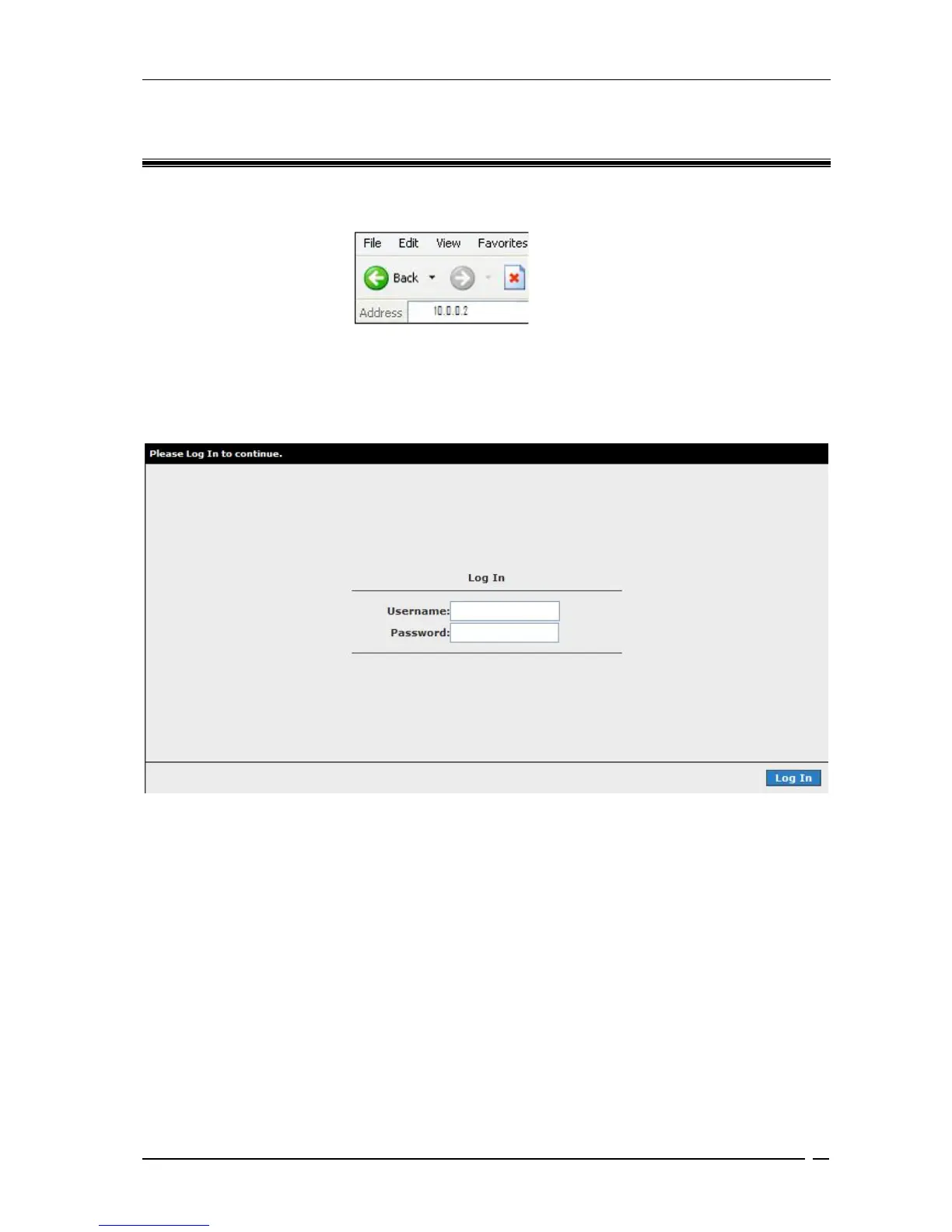
Open your web browser and key in 10.0.0.2 at the address bar and hit <Enter> . See Fig 9-1.
Figure 9-1: Logging-In
Once connected, the router will request you to enter your username and password. (Figure 9-2).
The default username is
admin and the default password is admin. Click Log in to continue.
Figure 9-2 : Login screen
After login, you will enter the web setup page shown in Figure 9-3. to continue, please click on
>>Step 1 : Internet login account settings



 To Next Page