Mega 105WR ADSL2+ Router - Easy Start Guide
5
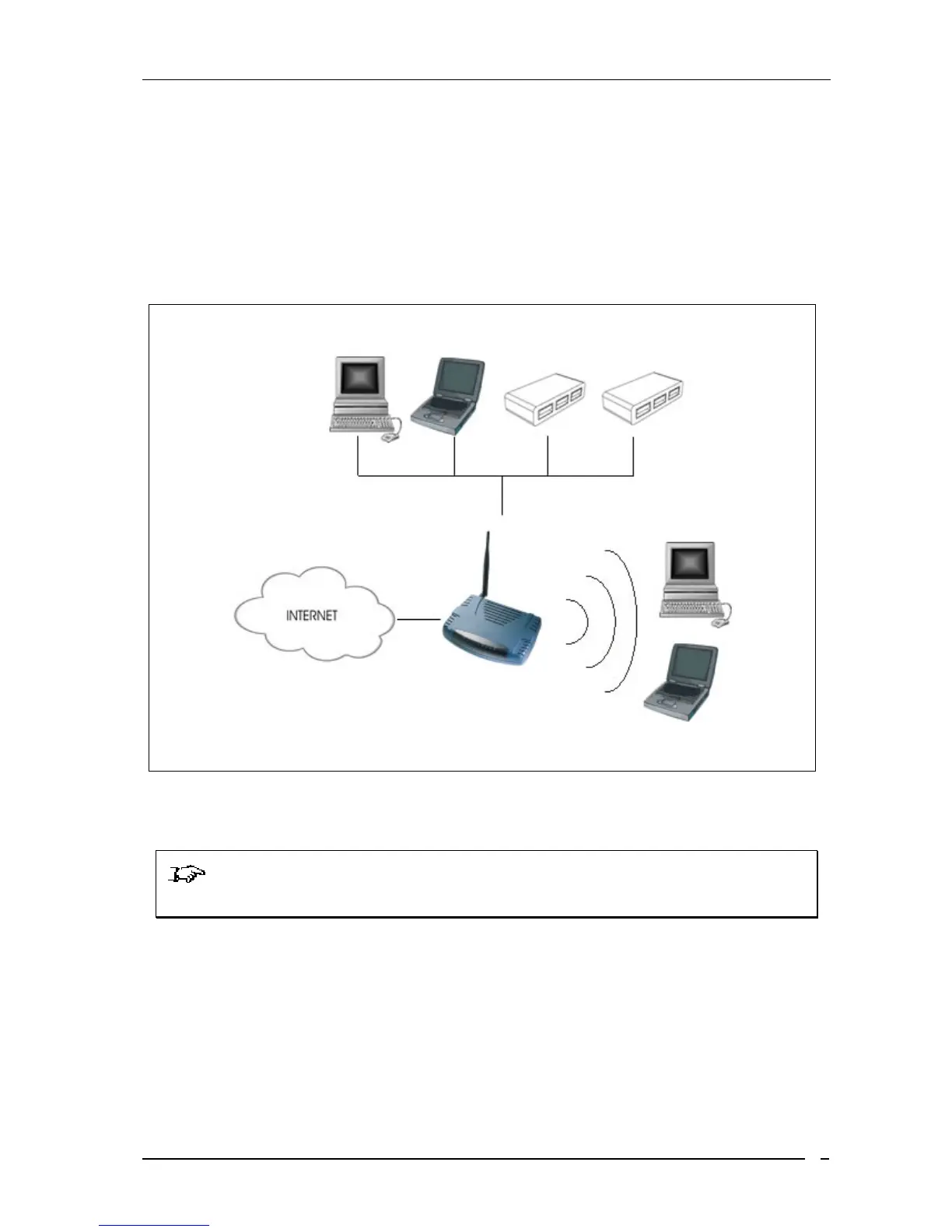
1.4 Typical MEGA 105WR Router Connection
You may connect many computers to the Mega 105WR over Wi-Fi. Only 4 computers may be
directly connected to the router’s Ethernet ports. You may, however, connect any of the Ethernet
ports to an Ethernet hub or switch. Many more computers (and other Ethernet devices) may then
be connected to the router.
Figure 1-4 : Typical device conectivity
NOTE: With the Auto MDI/MDIX feature, both cross and straight UTP cables can
be used.
Computers or Notebooks with Ethernet Network
Cards, Ethernet Switches or Hubs
Computers or Notebooks with Wireless
PC cards or USB Clients.



 To Next Page