61
FRAX Software
© 2011 Megger Sweden AB
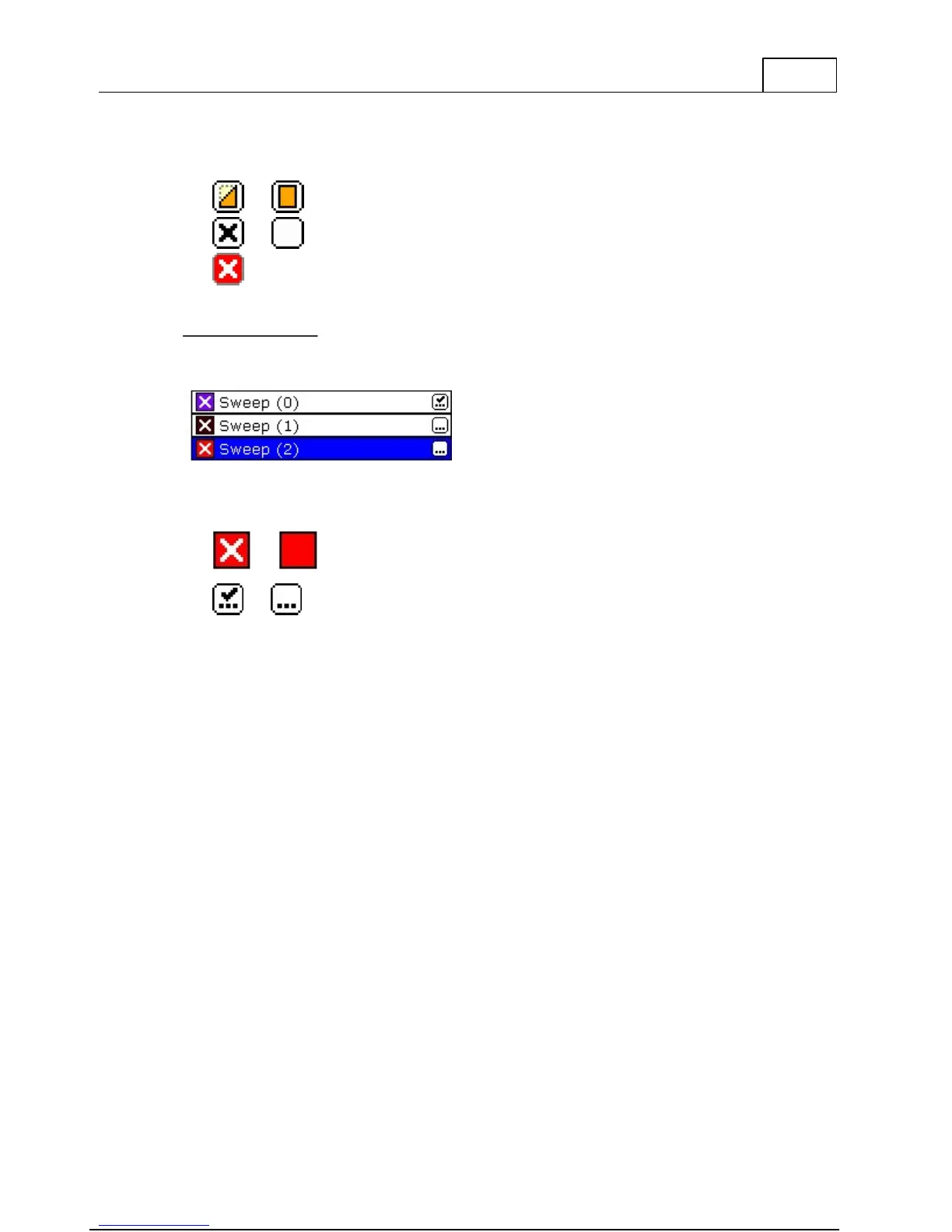
The file header contains 3 function buttons and the name of the file.
Hide / Show inactive sweeps in the file.
Enable / Disable sweeps in the file.
Sweep Description
The sweep contains 2 function buttons and the name of the sweep. Below is a list of
different sweeps with different attributes.
Enable / Disable the sweep. The color and line width can be set
for each sweep. You can change the color and line width by
right clicking on the icon.
Measured / Empty sweep. Clicking on this icon change the
measurement settings for the sweep.
4.6.2 Sweep Measurement Settings
This window lets you change the settings for the sweep. You can only change the settings for
"empty" sweeps (no measurement data).
You can change the default measurement settings for new sweeps by pressing Ctrl+M.



 To Next Page