67
Appendices
© 2011 Megger Sweden AB
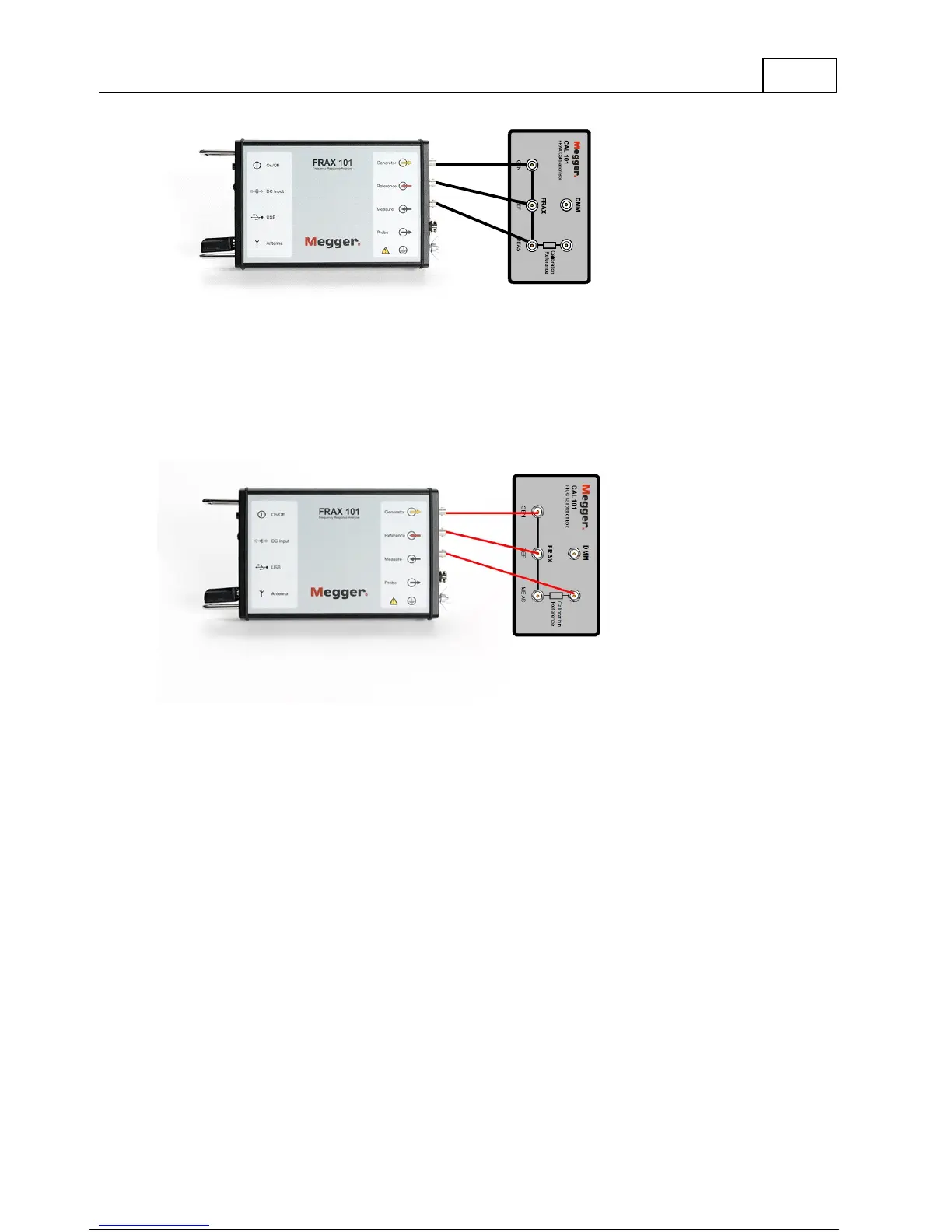
Measure from 10 Hz to 10 MHz and the measured data should be 0 dB with a maximum
deviation of +/- 0.1 dB.
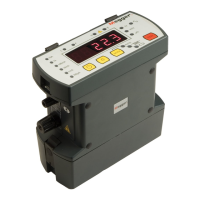
Also make a verification using the built-in calibration reference. Connect as explained in the
figure below.
Run standard sweep from 20 Hz – 2 MHz.
When looking at standard view Magnitude Curve should be around -80 dB between 10 Hz –
100 kHz.
Unclick Magnitude, use model CAL-510k Curve should be 0 dB, +/- 0.3 dB between 100 Hz – 10
kHz.
To add the 510k model:
Insert the file CAL-510k.model (on the attached USB stick) in the CustomModels directory, see
below



 To Next Page