NOTE:
1. Time setting: After connecting to the APP, the time is automatically synchronized
with the phone time.
2. When you in update device software process, don’t turn off your phone and bike
computer, and do not exit the update menu. Otherwise your bike computer may
be damaged.
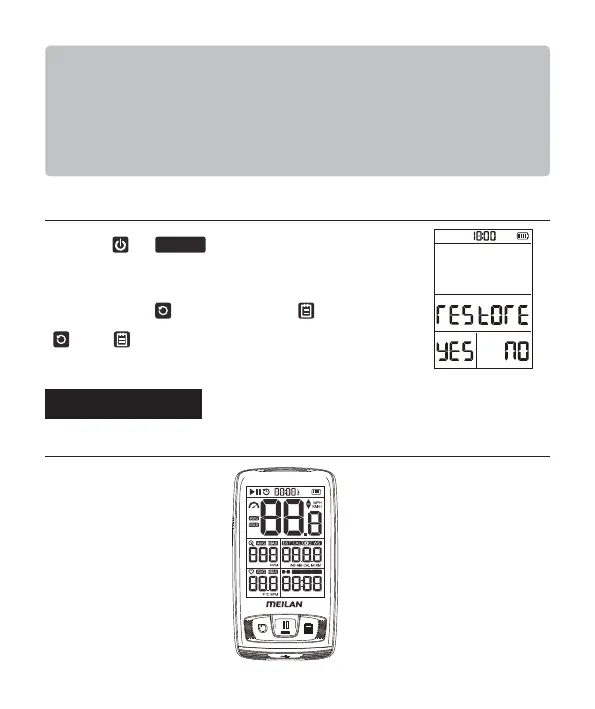
• Restore the factory setup
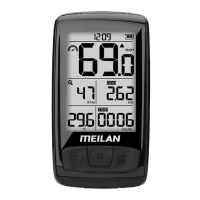
• Display content of the screen
Long press and key at the same time, go to
factory default settings menu.
* All data is deleted and the unit is reset to the factory default
settings by press , and Cancel by press .
YES; : NO.
Starting a Workout
TM TOT
WGT
HOURS LB KG W
SETTING
8


 To Next Page