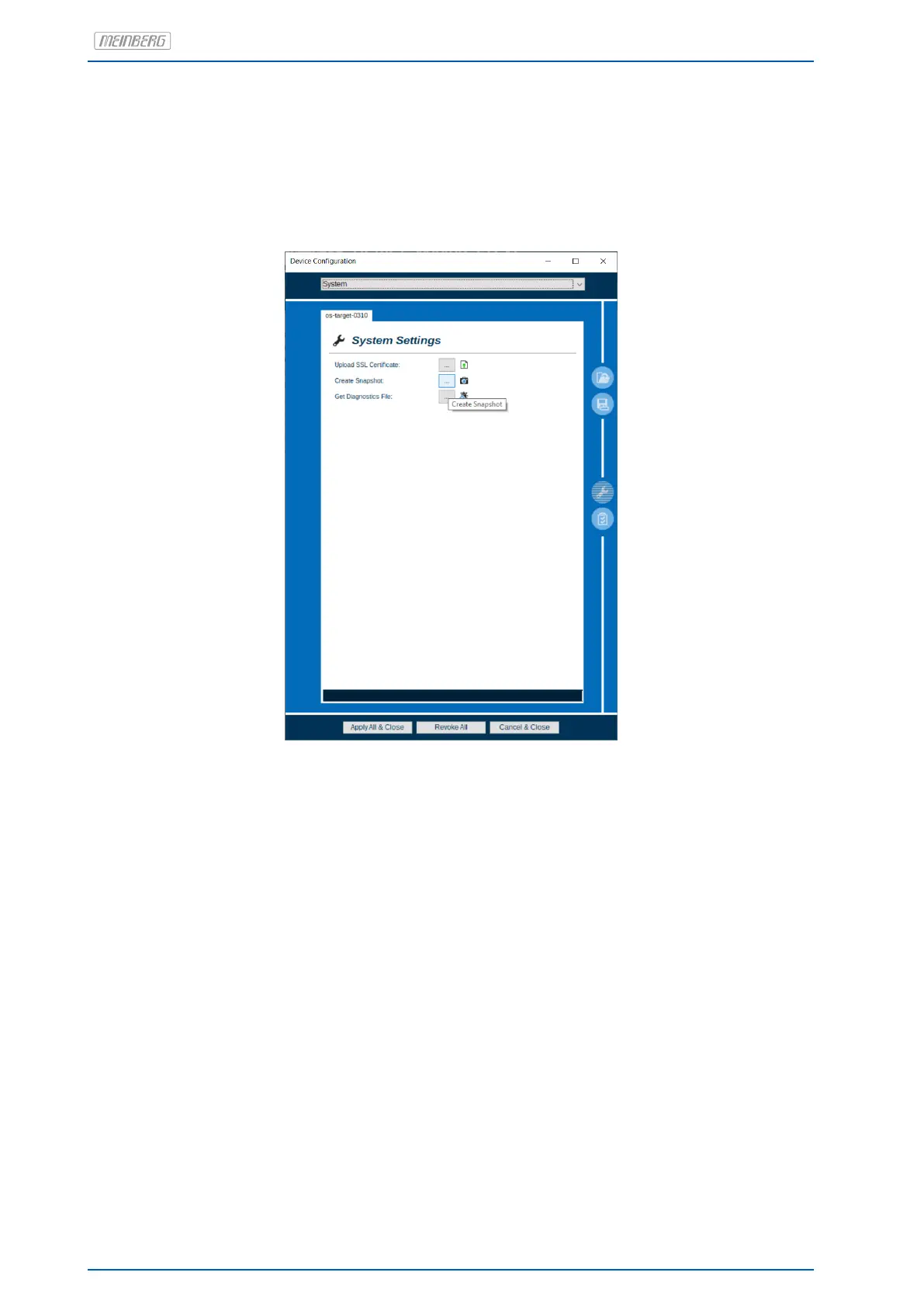
It is possible to create a backup of the entire configuration via Meinberg Device Manager using the button
Save Multiple Subject Configurations. In the window that then appears, all of the configuration subjects can
be selected and backed up. The button Load Multiple Subject Configurations can be used to restore a config-
uration backup.
The two buttons are marked in Figure 7.11.
Figure 7.11: Backing Up and Restoring a Configuration
66 Date: January 19, 2023 microSync


 To Next Page