5. Technician settings (cont’)
-12 -
(Advance)(Return)
Go to last
parameter
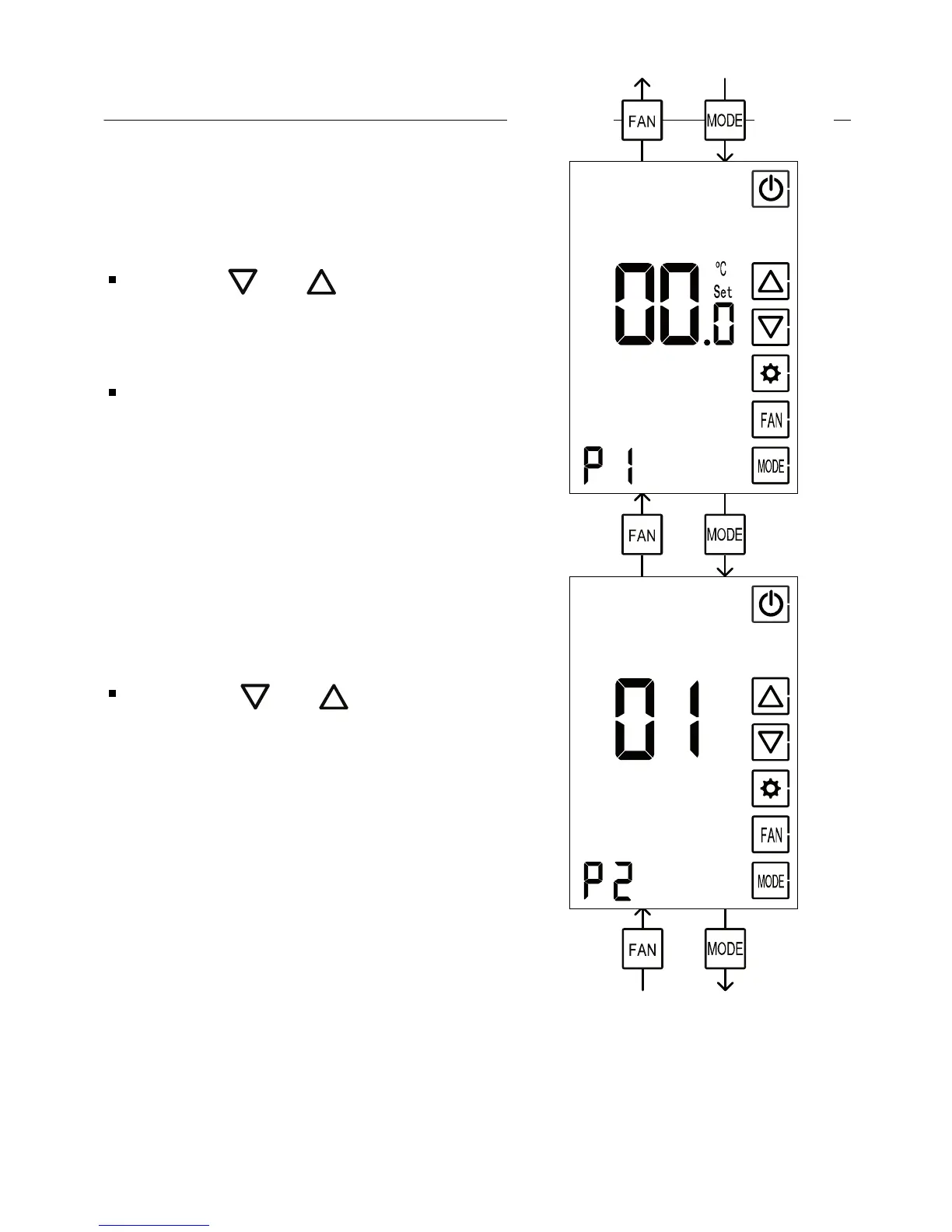
P1 Temperature readings
calibration offset
Use the and buttons to
adjust the offset
Range: -6ºC…+6ºC, default 0ºC
(Advance)(Return)
(Advance)
P2 Enable/Disable screen
dimming
Using the and buttons,
select between:
00 – Disable screen dimming
01 – Enable dimming (default)
If no key is pressed, during
the time set in parameter P3,
the display will dim



 To Next Page