-14 -
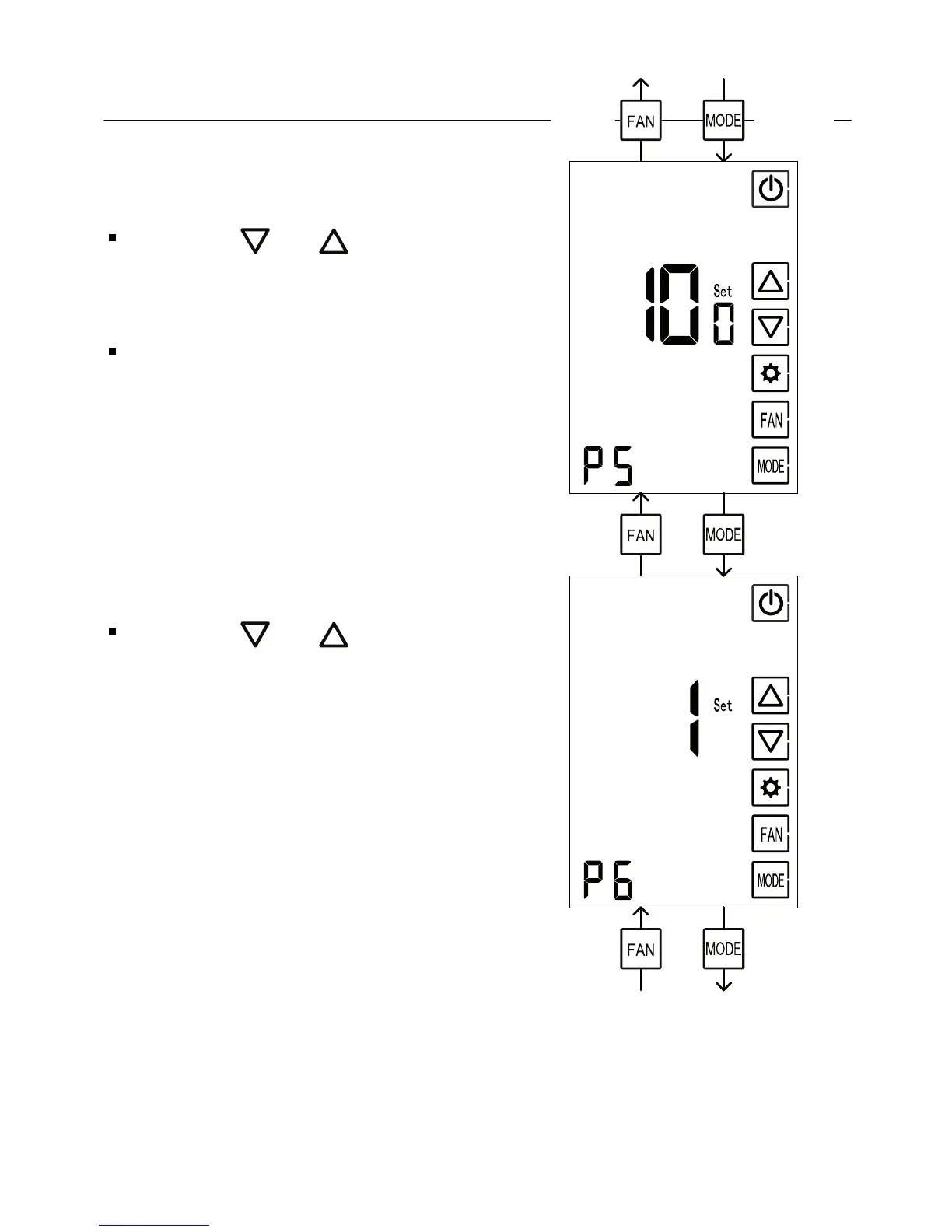
P5 Display brightness
Using the and buttons,
adjust the time display brightness
Range: 50...100%, default: 100%
(Advance)(Return)
P6 Show/Hide lighting button
Using the and buttons, select
between:
0 – Hide the lighting button
1 – Show the lighting button (default)
Note: the lighting button will only be
available with some CTU types.
It will never appear on display
when the CTU does not support
the lighting feature
5. Technician settings (cont’)
(Advance)(Return)
(Advance)(Return)



 To Next Page