-6 -
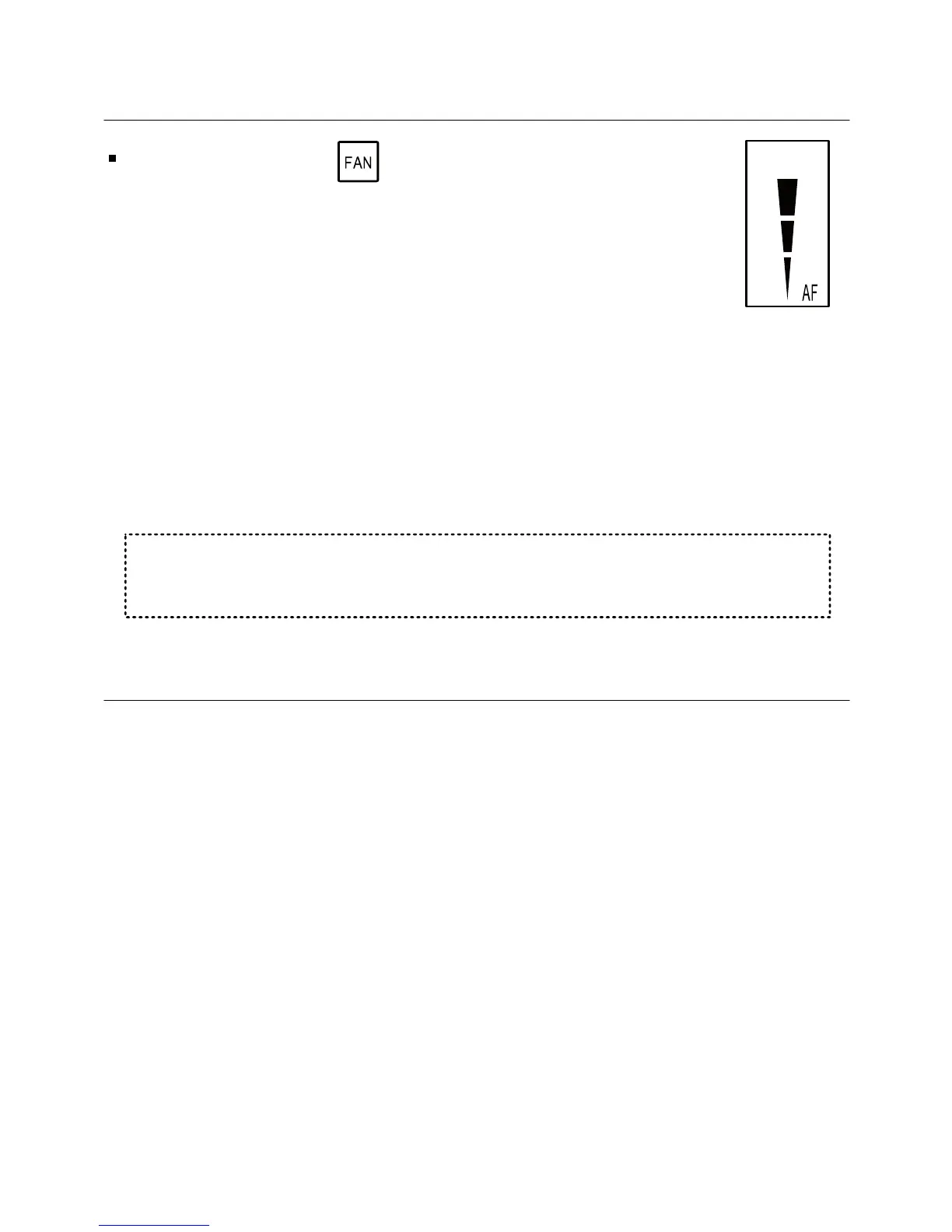
1.5 Fan on demand (Auto fan)
Press and hold the button to activate or deactivate
fan on demand (Auto fan) function.
Notes:
- When activated, the fan will run with demand for cooling
or heating. The letter “AF” will appear next to the fan
speed symbols.
- The fan on demand function cannot be activated with
“Fan only” mode.
This option may be disabled, depending on the type of the CTU
main board connected to the panel.
1.6 Faults
F8 – Communication fault with the CTU main board
Check wiring connection between the CTU and the room panel
and verify the DIP Switches configuration.
Note: Depending on CTU type, some other symbols may appear on
the display,
AUTO FAN
ʮʥʴʲʬ



 To Next Page