7 Troubleshooting
21
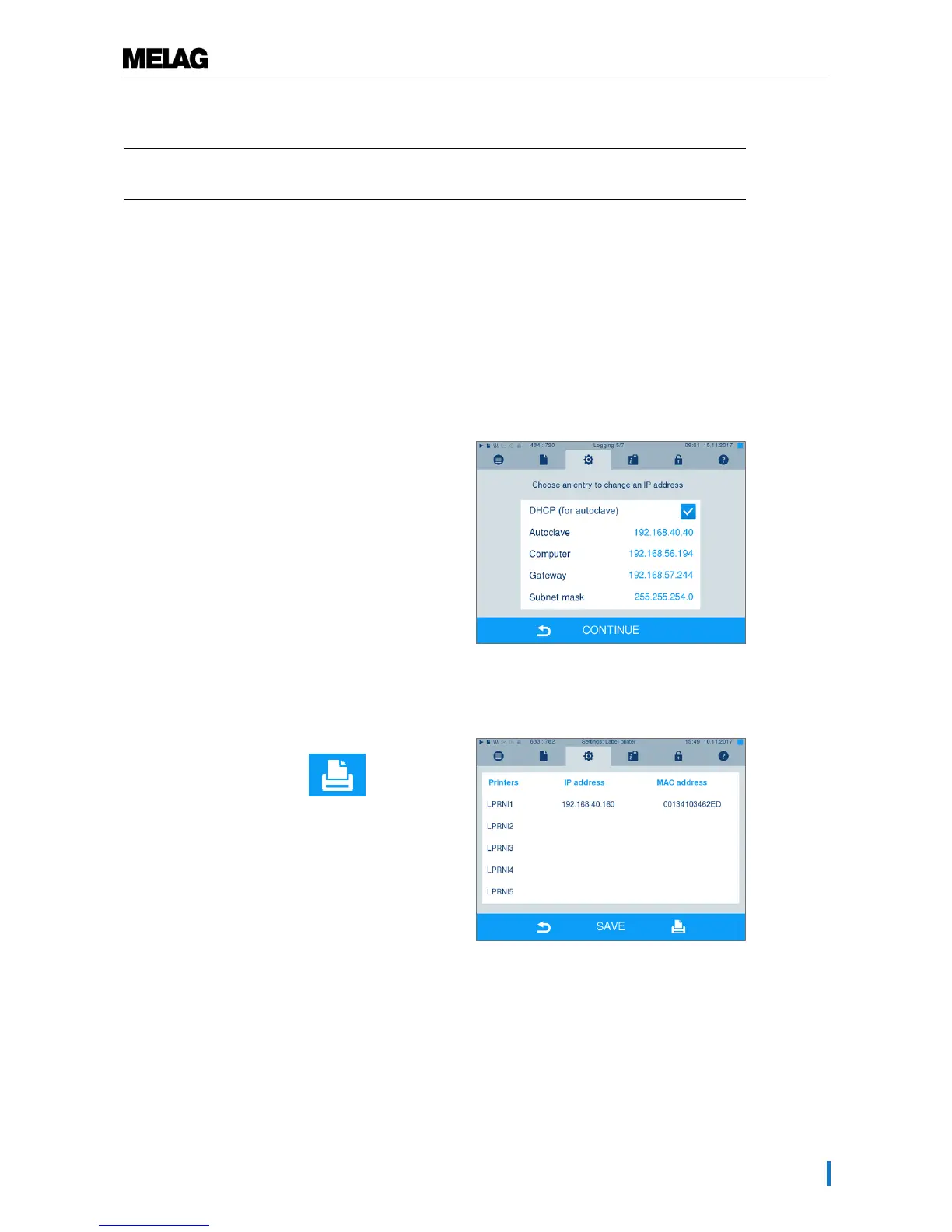
Perform the following steps to compare the IP addresses of the steam sterilizer and the label printer and
change the IP address of the steam sterilizer if necessary:
ü
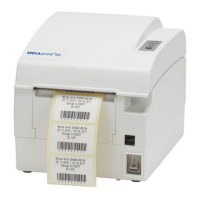
The label printer is connected to a power supply.
ü
The Ethernet cable of the label printer is connected with the steam sterilizer.
1. Print a test page, see Printing a test page [}page
16].
2. Disconnect the Ethernet cable from the label
printer.
3. Output the configuration settings of the label printer,
see: Reading out the label printer configuration
(print self-test) [}page 17].
4. Working in menuSettings >Logging, check
whether the following immediate output has been
activated and the label printer has been selected as
an output medium.
5. Check whether the first three number blocks of the
label printer IP address, that of the steam sterilizer,
the subnet mask and the gateway correspond.
6. Should the first three number blocks of the IP
address differ, change the IP address of the steam
sterilizer (consult the steam sterilizer user manual)
The fourth number block may not be identical.
7. Working in menu Settings >Label printer start
the search by pressing the symbol in the
printer list.
8. Select the label printer from the list and confirm with
[SAVE].


 To Next Page