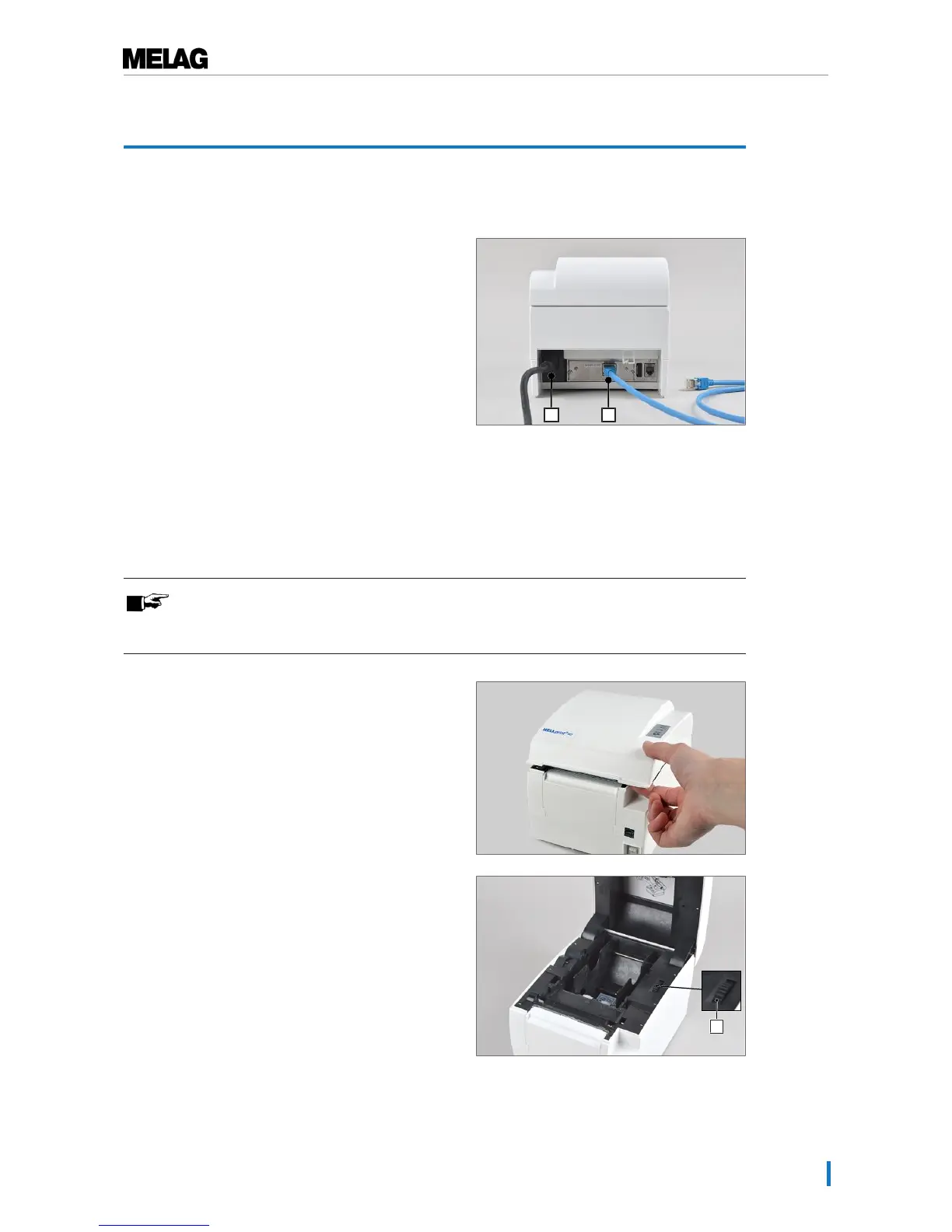
2. Connect the Ethernet cable (pos. b) to the Ethernet
socket on the rear of the label printer and connect
the other end with the Ethernet connection on the
steam sterilizer, a network socket or a computer in
the network.
Inserting the label roll
PLEASE NOTE
To achieve a good printing outcome and to secure the longest-possible durability of the
label printer, use only the label rolls available from MELAG.
1. Open the housing cover by pressing the button on the
right-hand side of the housing cover.
2. If necessary, open the side discs of the paper guide a
little by turning the adjustment wheel (pos. c) forwards
or backwards.


 To Next Page