8 Logging
36
3. Select "Select a program from a list of installed
programs" and confirm with "OK".
4. You can then open files with this ending via a
double-click in Windows Editor.
Using the label printer as an output medium
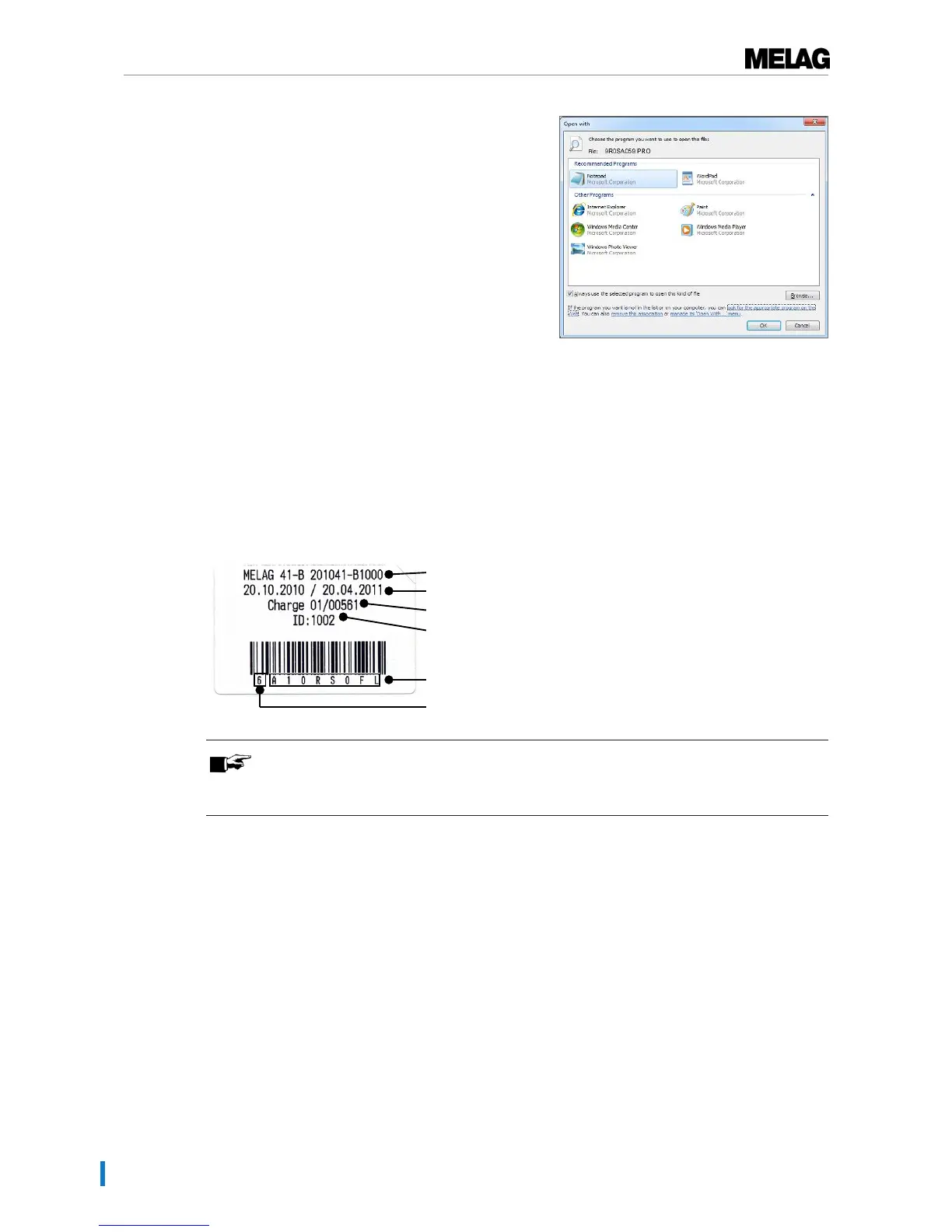
The use of a label printer facilitates batch traceability. Using the sterilization date, the storage duration,
batch number, user ID of the person approving the application for use, the steam sterilizer used and the
file name it is possible to assign the sterilized instruments to the patient and sterilization batch. Faultless
packages containing sterilized equipment are marked with labels after sterilization. As such, the
preconditions for correct "Approval" by the person conferred with the task of decontamination are given. All
information regarding the correct sterilization procedure can be attributed to the instruments used in
patient records.
PLEASE NOTE
To facilitate easy assignation of a package marked with a label to a specific batch, the
sterilization log file name must not be changed.
Outputting text logs automatically after program end
(immediate output)
If you want to output the associated text and graphic logs on an output medium immediately after the end
of a program, use the "Immediate output" option. In its delivery state, the immediate output of the text and
graphic logs via the CF card after program end is activated.
If the output medium selected for this purpose has not been connected, the logs are saved in the internal
memory and a warning is issued. The steam sterilizer provides the option of outputting this log at the next
possible opportunity. Graphic logs cannot be saved in the internal log memory; they are lost. Further
information pertaining to the output of graphic logs is available in the section Outputting graphic logs
(optional) [}page 43].
The following points must be fulfilled for immediate output:
u The date and time have been set correctly.
u The output medium must have been selected and connected.
u Immediate output must be activated in theSettings menu →Logging.












 To Next Page