ATTENTION: searching for the suitable code could last up to 5 minutes.
• Stand in front of the device to be controlled and make sure it is ON (not in stand-by). If necessary, switch
it on using the original remote control (if this is still working) or the buttons present on the device itself. (on
TVs they can be on the side or the top)
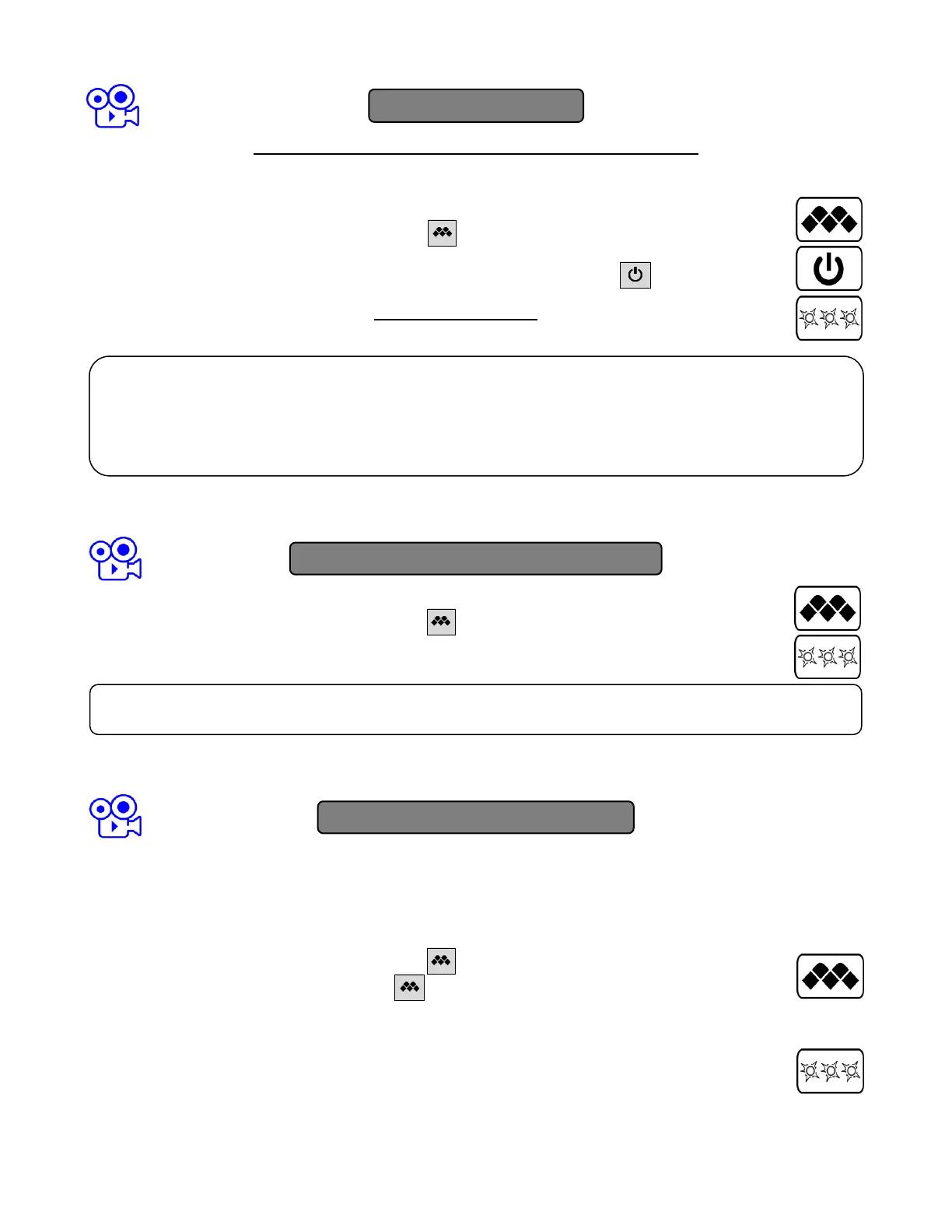
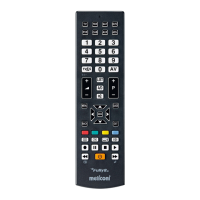
• On the MELICONI remote control press and hold the button until the LED of the remote control lights
up; release.
• Pointing the remote control towards the device, PRESS AND HOLD the ON/OFF button and wait
(even up to 5 minutes) for the device to switch off.
• PAY ATTENTION, when the device turn off, IMMEDIATELY RELEASE the button.
• Three final flashes indicate that the operation has been completed successfully.
(only to be performed if you know the specific code to be set)
• On the MELICONI remote control press and hold the button until the LED lights up; release.
• Immediately enter the previously identified specific code.
• Three final flashes indicate that the operation has been completed successfully.
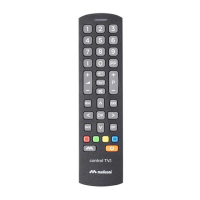
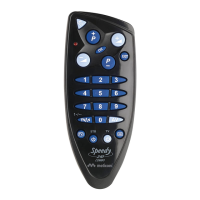
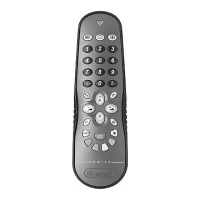
The functions of the buttons on the MELICONI remote control are only available if the original device is equipped with it.
Sometimes some functions of the original remote control are not directly present on the MELICONI remote control keypad.
To enable them, connect to the www.cme.it page, use the on-line tool ACTIVATION OF REMOTE CONTROL and continue
until you see the list matching buttons between the original remote control and the MELICONI remote control.
If the function you want to play is matched with an number in orange color, operate as follows:
• On the MELICONI remote control press and hold the button.
• When the LED turn on, without releasing the button, point the remote control towards the device
and enter the previously identified number corresponding to the function you want to get. (at the last digit
pressure, the remote control already transmits this function)
• Release the buttons; to match the function obtained to a MELICONI remote control button, within 30
seconds, press and hold the desired button.
• Wait three flashes indicate that storage; release the button. (the used button loses the original function
that will be called by setting again the activation code)
If the remote control does NOT carry out the three final flashes, the setting is NOT successful; repeat the procedure.
If still unsuccessful, it means that the code is not included in the remote control, contact the ASSISTANCE.
ENTERING THE CODE DIRECTLY
VERIFY
Check that the MELICONI remote control operates your device in the main functions; if it does not, REPEAT the
procedure.
NOTE: When the list of codes to be searched is over, the remote control exits the search and the LED remains off.
If no results are obtained, try using the procedure described in the SMARTPHONE - TABLET - WEB chapter or contact
the ASSISTANCE.










 To Next Page