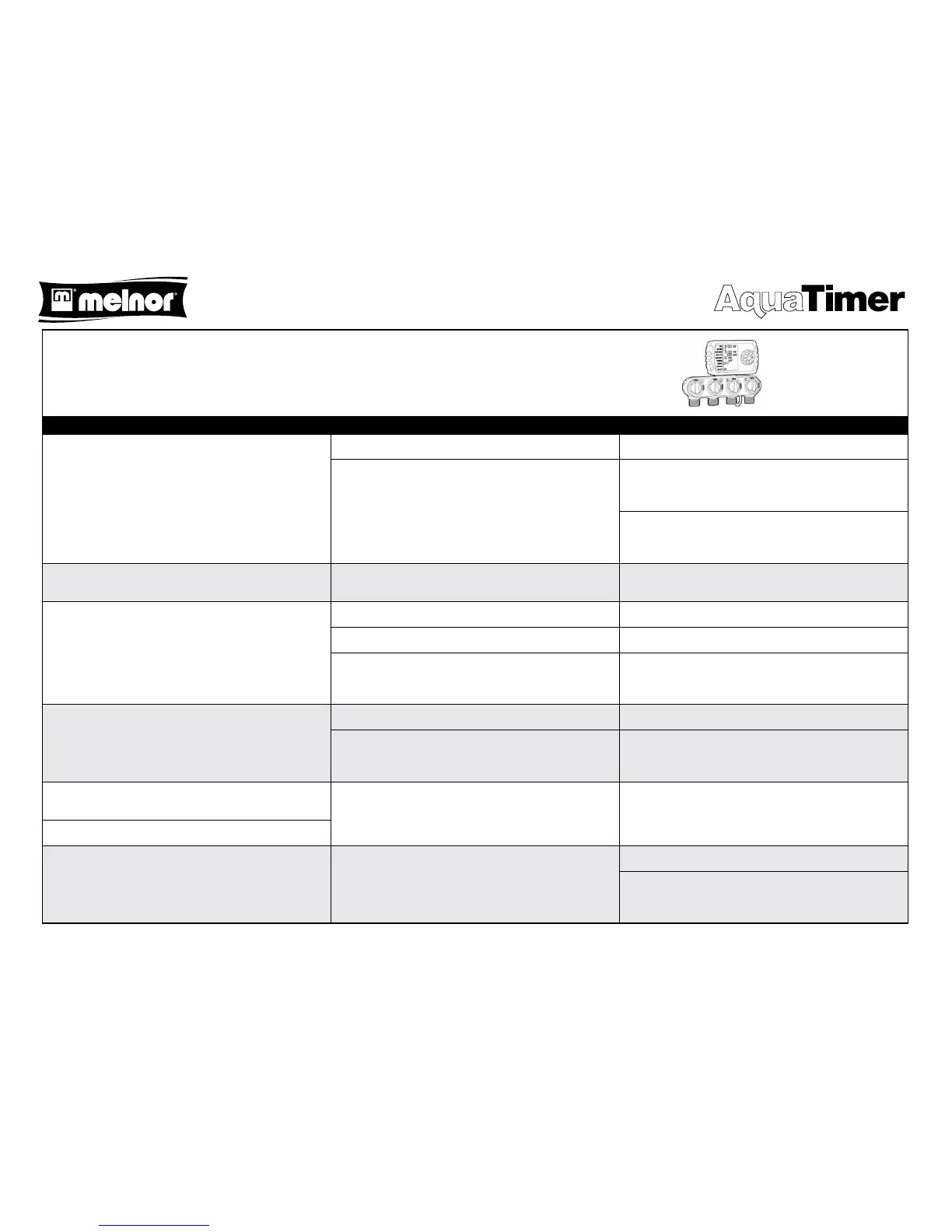
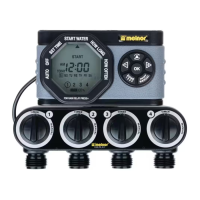
Troubleshooting Guide for Melnor 4-Zone Water Timer, Model 3280
Symptoms Possible Causes Possible Corrective Action
After installing batteries and attaching the timer to the faucet,
water is running out of the timer before it is programmed.
Knobs on valve portion are set to MANUAL. Turn knobs to TIMER.
Valve(s) opened during shipment. Remove battery holder. Ensure cable from valve portion to timer
portion is connected. Wait 30 seconds and re-insert. This should
close all valves.
Use control button to move to MANUAL setting. Set to “5 MIN”.
Wait 10 seconds and then change setting to OFF to close the
valve(s).
Timer shows battery LOW while batteries are fresh. Batteries not making proper contact. Remove battery holder, inspect battery contacts and adjust if
needed.
Water does not turn on at programmed time. PROGRAM set to “OFF”. Set PROGRAM to “ON”.
TIME set incorrectly. Update the TIME setting to the correct time.
Clock malfunction. Reset by removing battery holder, wait for 30 seconds and reinsert.
Set TIME to current time. Previous program will work from
memory.
Water does not turn o at programmed time. TIME set incorrectly. Update the TIME setting to the correct time.
Clock malfunction. Reset by removing battery holder, wait for 30 seconds and reinsert.
Set TIME to current time. Previous program will work from
memory.
Timer programmed for once a day does not come on or only
comes on once per week.
Misprogrammed. Conrm programming is correct.
WATER EVERY 1 Day = Once per day
WATER EVERY 7 Day = Once per week
Timer programmed for once a week comes on once per day.
Antenna symbol ashes on screen but Automatic Rain Delay is
NOT attached.
Automatic Rain Delay contacts on bottom of timer are wet. Wait for contacts to dry.
Reset by removing battery holder, wait for 30 seconds and reinsert.
Set TIME to current time. Previous program will work from
memory.
TM
Check out the collection of patio & garden products we offer.



 To Previous Page