15
OPERATION (CONTINUED)
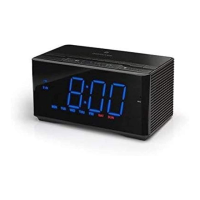
Within ten seconds, press the
TUNING/Skip/Search Down o
1 or Up n 2 button to set the
source (iPod/iPhone, FM Radio or
Buzzer). Press the SET button 3;
the volume level will blink.
2
3
1
5
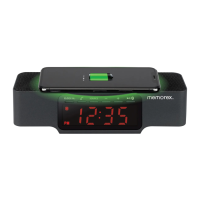
Within ten seconds, press the
TUNING/Skip/Search Down o
1 or Up n 2 button to set the
maximum alarm volume. Press
the SET button 3 to conrm the
setting. The alarm will then be set.
2
3
1
6
CONTINUED ON THE NEXT PAGE
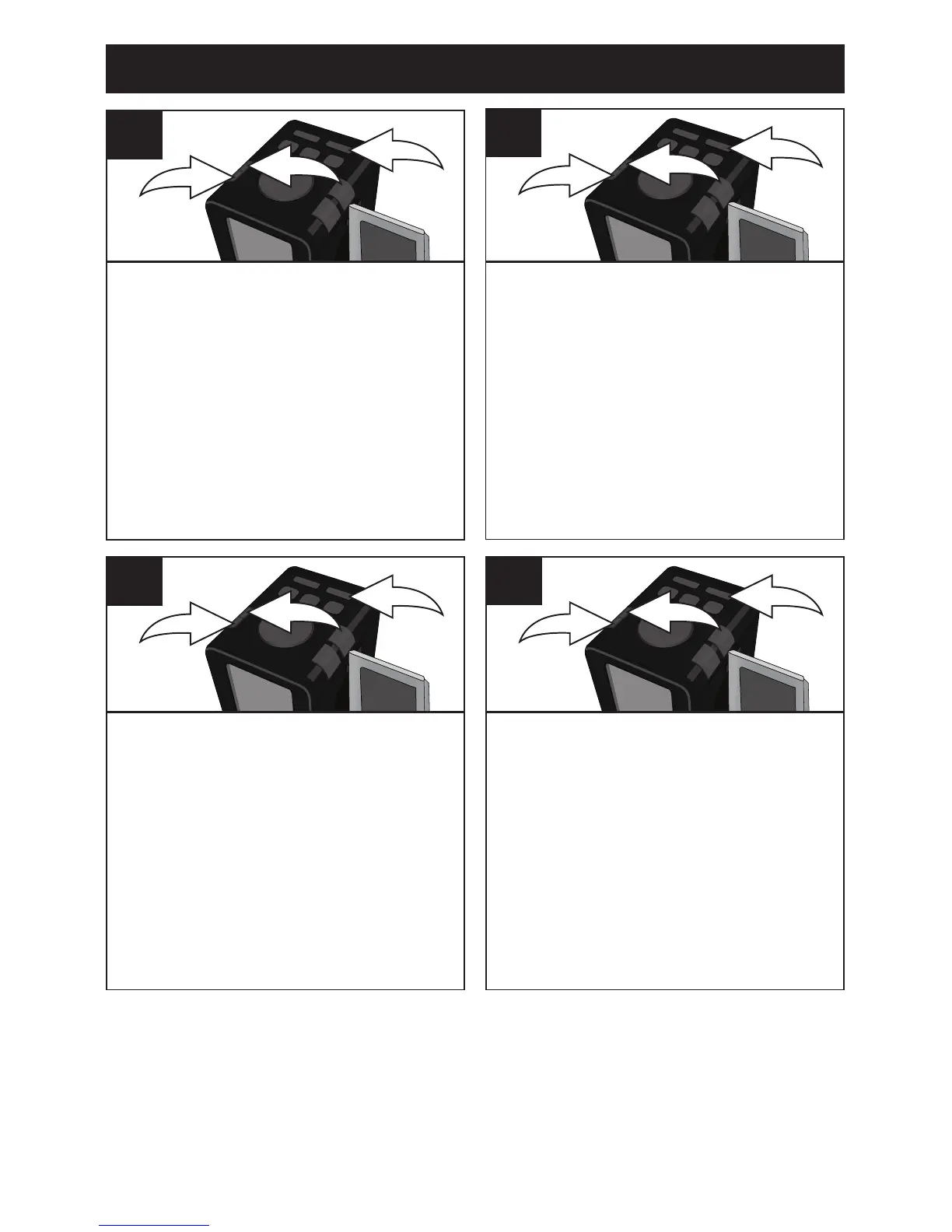
Within ten seconds, press the
TUNING/Skip/Search Down o 1
or Up n 2 button to set the alarm
minute. Press the SET button 3;
the day will blink.
2
3
1
3
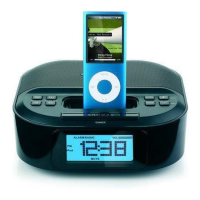
Within ten seconds, press the
TUNING/Skip/Search Down o 1
or Up n 2 button to set the weekly
option (all 7 days: MON-SUN,
weekdays only: MON-FRI, or
weekends only: SAT-SUN). Press
the SET button 3; the Source
will blink.
2
3
1
4



 To Next Page