19
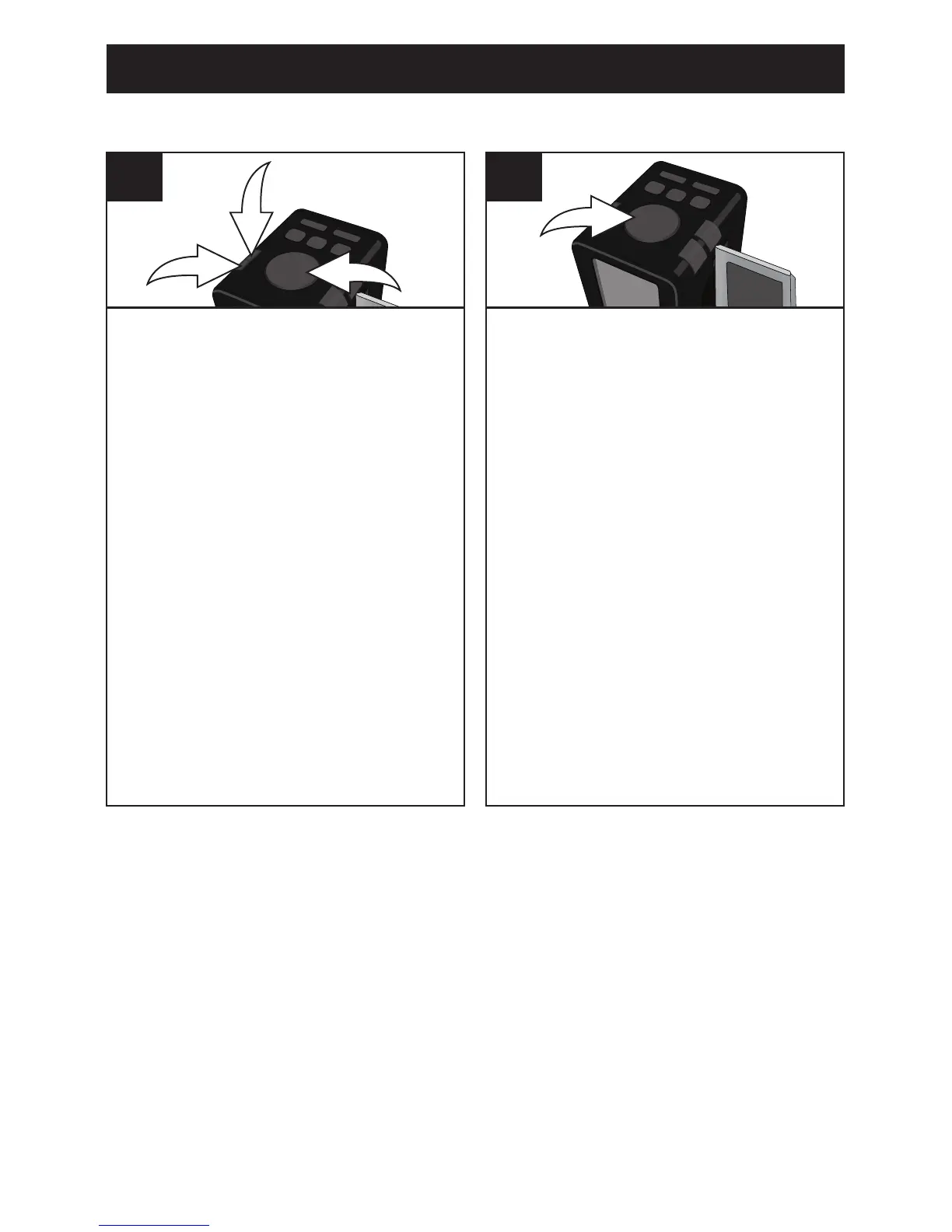
With the unit on and the alarm not
sounding, press the SNOOZE/
DIMMER button 1; the Snooze
indicator and “OFF” will appear
in the display. Repeatedly press
the TUNING/Skip/Search Down o
2 or Up n 3 button to select the
desired Sleep time (10, 20, 30,
40, 50, 60, or 90 minutes). After
ten seconds, the Sleep time will
disappear from the display. To
view the remaining Sleep time,
press the SNOOZE/DIMMER
button once.
NOTE: To cancel the Sleep
function, press the Power/ALARM
RESET button to turn off the unit.
3
1
2
1
SLEEP
With the unit off, repeatedly press
the SNOOZE/DIMMER button to
decrease the display brightness
to the desired level. There are
ve levels of brightness to choose
from.
1
DIMMER BUTTON
OPERATION (CONTINUED)



 To Next Page