17
OPERATION (CONTINUED)
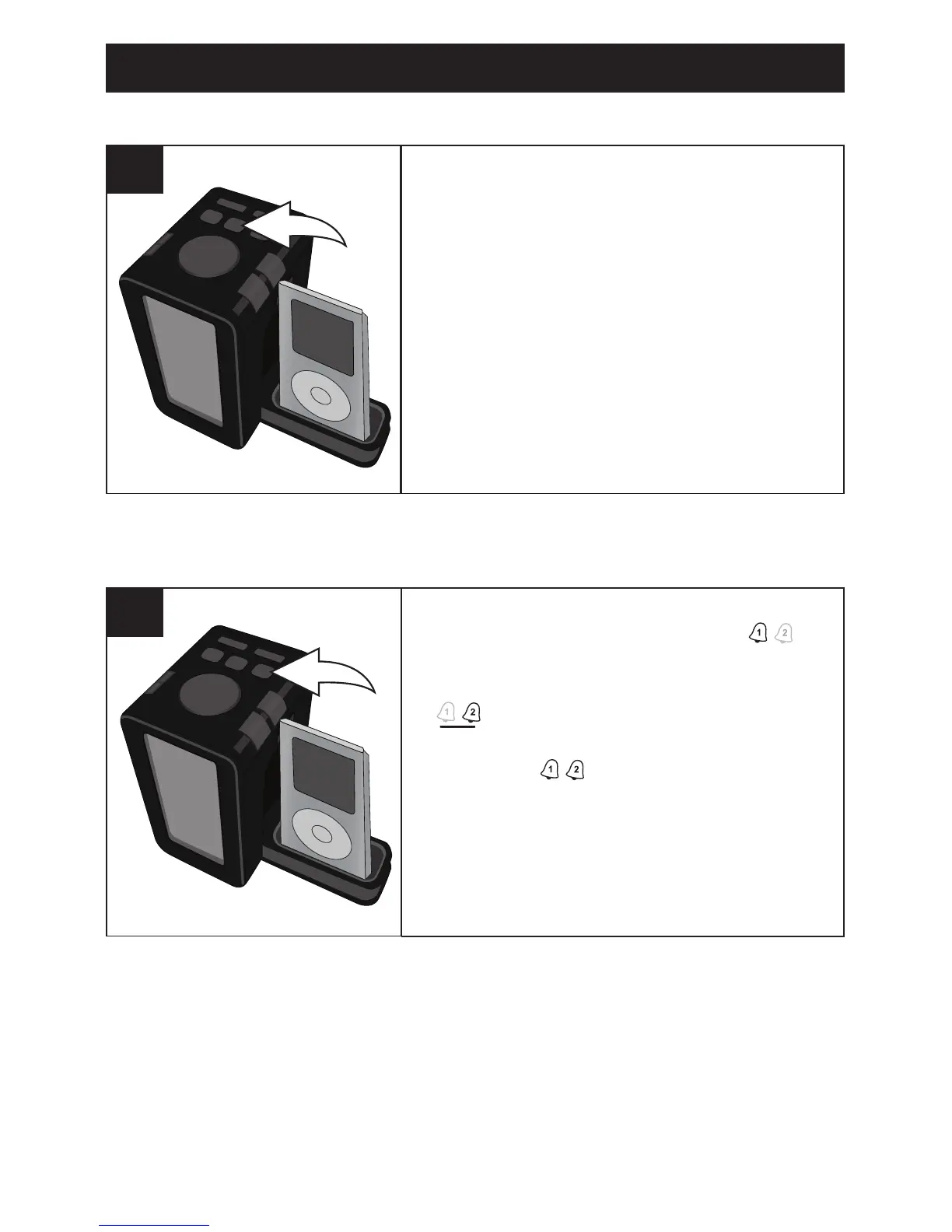
Press the Power/ALARM RESET button to
turn off the alarm and the alarm will be set
for the next day.
1
TO SHUT THE ALARM OFF
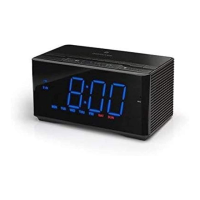
With the power off, press the ALARM 1/2
button once to activate Alarm 1; will
appear in the display. Press the ALARM
1/2 button a second time to activate Alarm
2; will appear in the display. Press the
ALARM 1/2 button a third time to activate
both alarms; will appear in the display.
Press once again to cancel the alarms,
and both indicators will turn off.
1
TO ACTIVATE/DEACTIVATE AN ALARM



 To Next Page