EasyManua.ls Logo

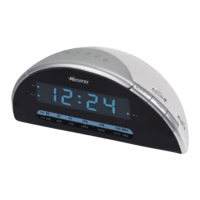
Memorex MC1886 - User Manual

Memorex MC1886
14 pages
Print Icon
To Next Page IconTo Next Page
Loading...
Before operating this product,
please read these instructions completely.
User’s Guide
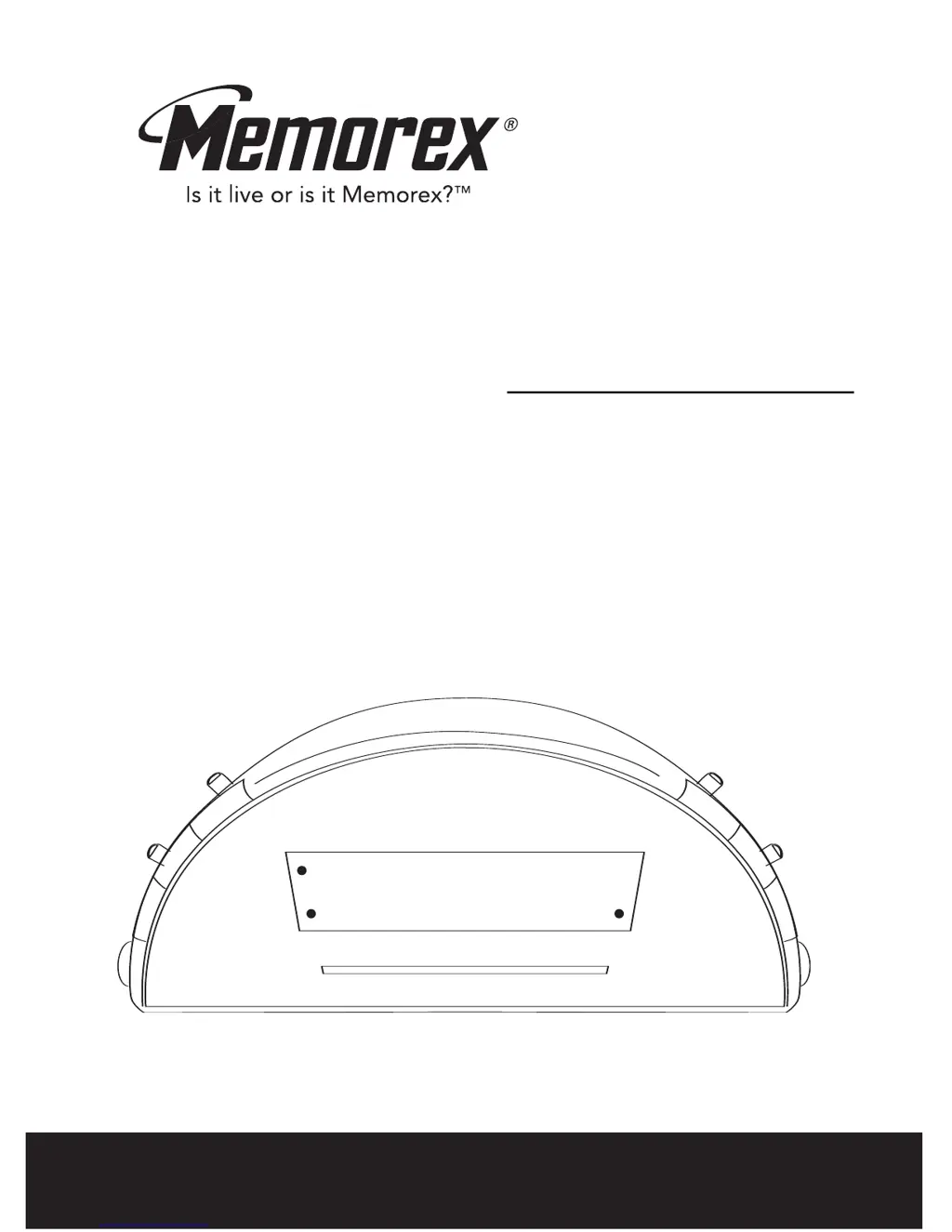
AM/FM CLOCK RADIO
WITH DUAL ALARM
MC1886

Other manuals for Memorex MC1886

Questions and Answers

  • M
    michellekennedyJul 30, 2025
    What to do if my Memorex Clock Radio has no sound?
    • C
      Christian WhiteJul 30, 2025
      If your Memorex Clock Radio produces no sound, ensure that the FUNCTION switch is set to the ON position. Also, check that the VOLUME control is not at the minimum position; if it is, turn the VOLUME control up.
  • E
    Eric JohnsonAug 4, 2025
    How to fix a Memorex Clock Radio when the alarm does not turn on?
    • M
      mbradfordAug 4, 2025
      If the alarm on your Memorex Clock Radio doesn't activate, make sure the FUNCTION switch is set to either the RADIO or BUZZ position. Also, verify that the clock and alarm time are correctly set.
  • K
    Kelsey RomeroAug 8, 2025
    Why is the time flashing on my Memorex MC1886 Clock Radio?
    • Y
      Yvette JonesAug 8, 2025
      The flashing time on your Memorex Clock Radio may be due to a battery issue (improperly connected, not connected, or dead). Please check the battery. Alternatively, the clock may not be set; in this case, set the clock.
  • D
    Daniel TaylorAug 14, 2025
    How to fix noise or distorted sound on Memorex MC1886 Clock Radio?
    • D
      David BeckAug 14, 2025
      If you are experiencing noise or distorted sound on your Memorex Clock Radio, here are some possible solutions: * For AM, try turning the radio to improve AM reception, as the interference may be caused by traffic. * For FM, make sure the Antenna Wire is fully extended.
  • J
    Jacob LewisAug 18, 2025
    What to do if Memorex MC1886 Clock Radio power does not come on?
    • M
      Matthew JonesAug 18, 2025
      If your Memorex Clock Radio doesn't power on, the AC line cord might not be properly plugged in. Ensure the plug is firmly inserted into the AC outlet.
  • D
    David HooverAug 23, 2025
    Why doesn't my Memorex MC1886 Clock Radio turn off with the SLEEP feature?
    • C
      Cheryl DominguezAug 25, 2025
      If your Memorex Clock Radio is not turning off using the SLEEP feature, check that the FUNCTION switch is in the OFF position.

Summary

Safety Precautions

Caution: Risk of Electric Shock

Warning about not opening the cover to prevent electric shock and exposure to moisture.

Dangerous Voltage Warning

Indicates the presence of uninsulated dangerous voltage within the product's enclosure.

Important Safety Instructions

Read and Retain Instructions

Emphasizes reading all safety and operating instructions before use and retaining them.

More Safety Instructions

Servicing and Damage Requiring Service

Advises professional servicing and lists conditions requiring repair.

Installation

Operation: Setting Time and Alarms

Setting the Actual Time

Instructions for setting or resetting the current time on the clock.

Setting the Alarm Time

Steps to set or reset the desired alarm times for dual alarms.

Operation: Alarm Functions

Troubleshooting Guide

Memorex MC1886 Specifications

General IconGeneral
BrandMemorex
ModelMC1886
CategoryClock Radio
Display TypeLED
Alarm FunctionYes
Radio TunerAM/FM
Snooze FunctionYes
Power SourceAC
Battery BackupYes
Wakeup MethodRadio
AC AdapterYes

Related product manuals