14
OPERATION (CONTINUED)
Tune the desired radio station or insert
a CD as previously instructed and
press the POWER ON/OFF button to
turn the unit on; the POWER indicator
will light.
1
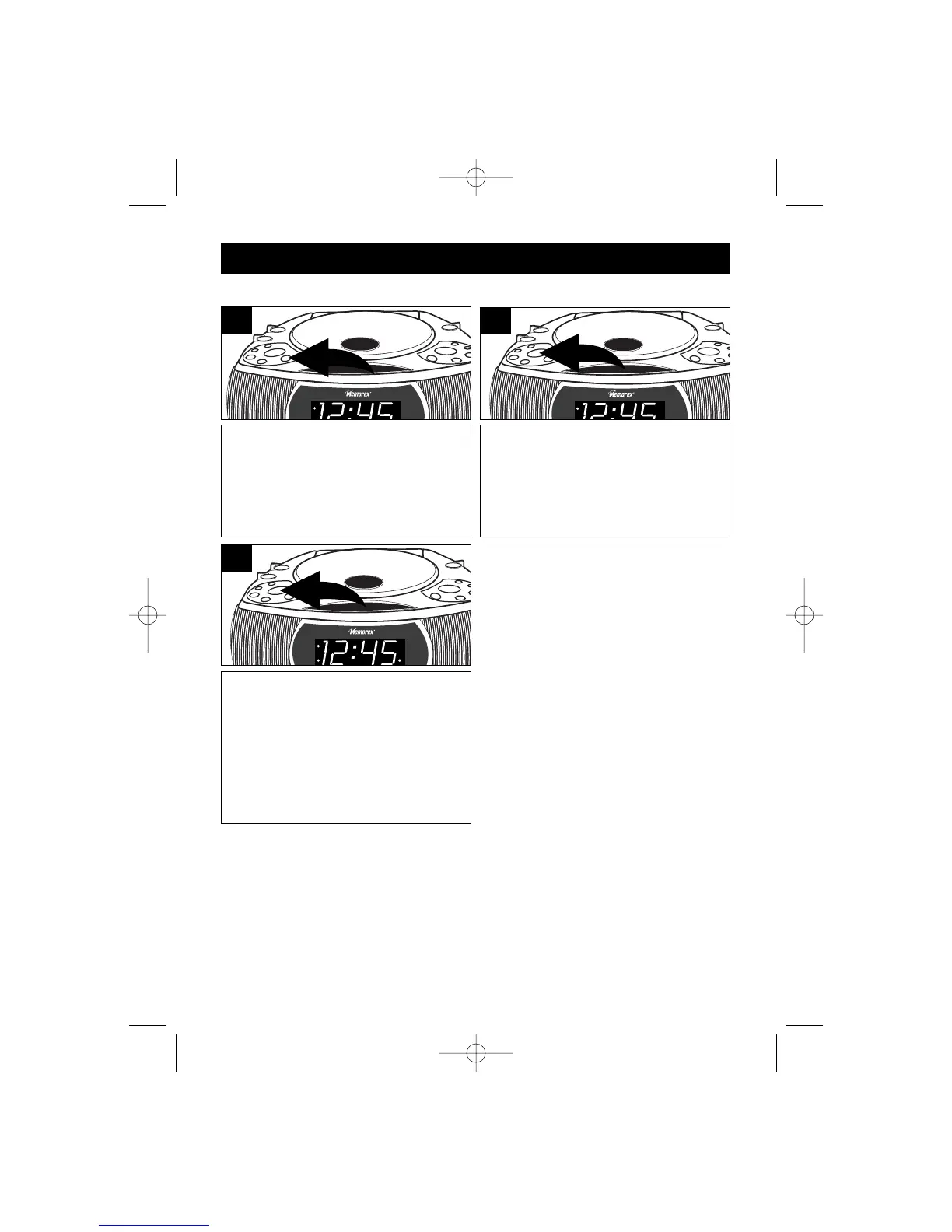
Press the SLEEP button and “--” will
appear on the clock display, then
release the button.
2
TO ACTIVATE THE SLEEP FUNCTION
Press the SLEEP button a second
time to set the unit to turn off after 90
minutes. Press a third time to set to 60
minutes. Pressing a fourth time to set
to 30 minutes. Pressing the SLEEP
button again turns off the Sleep
feature.
3



 To Next Page