7
OPERATION
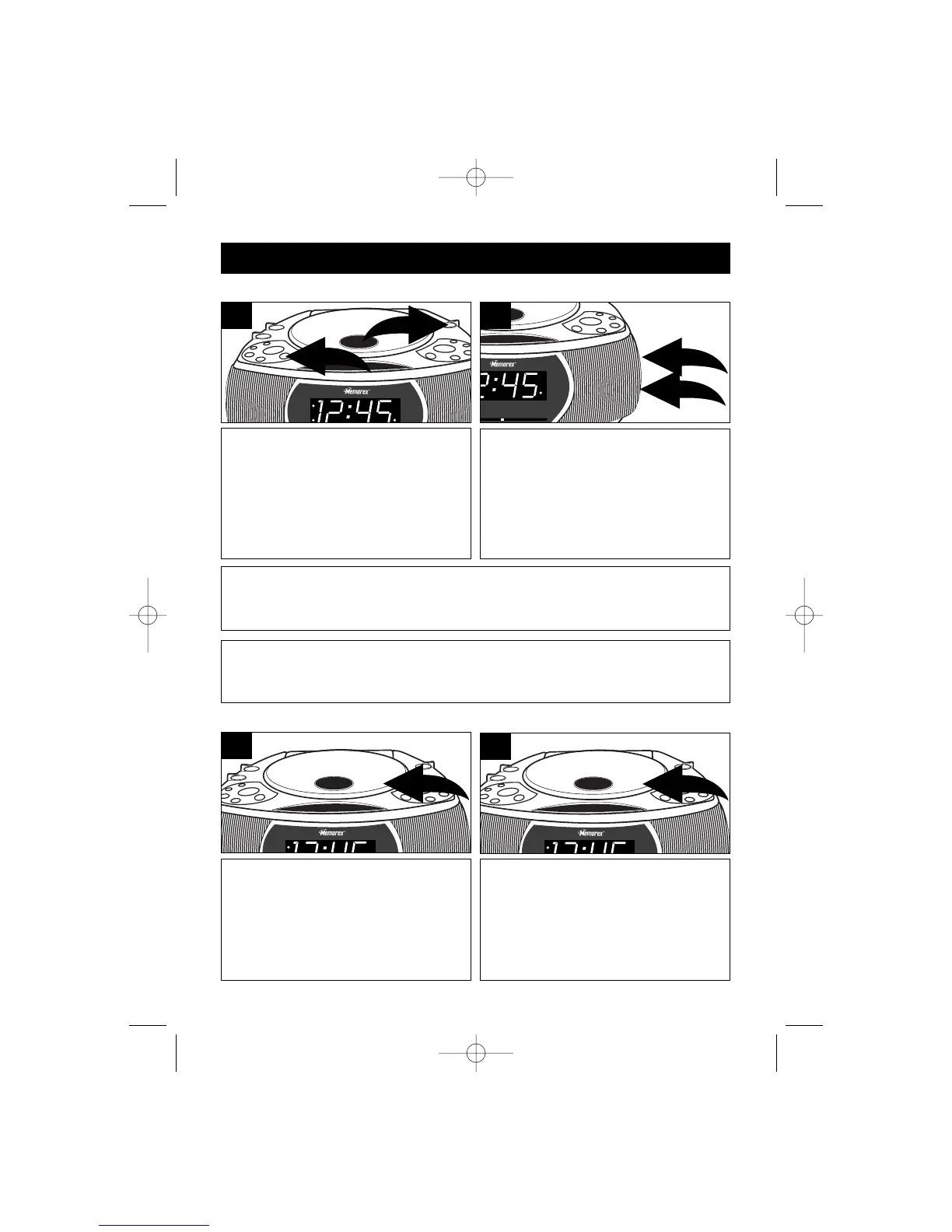
Press the POWER ON/OFF button ❶
to turn the unit on; the POWER
indicator will light. Rotate the Function
switch ❷ to the AM or FM position.
1
Tune a station by turning the TUNING
control ❶ . When a strong FM stereo
signal is received the FM Stereo
indicator will light.
Adjust the VOLUME control ❷ as
desired.
2
TO LISTEN TO THE RADIO
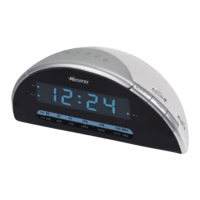
Open the CD compartment door by
pressing on the OPEN/CLOSE area on
the bottom right of the CD compartment
door. Gently place a disc, label side
up, onto the spindle and gently close
the CD compartment door.
1
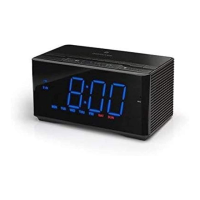
Make sure the CD has stopped and
open the CD compartment door by
pressing on the OPEN/CLOSE area
on the CD compartment door. Hold
the edge of the CD and pick it up.
1
TO INSERT A CD
TO REMOVE A CD
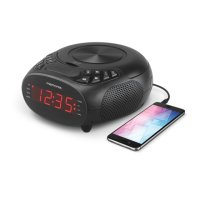
Antennas
FM: Extend the AC cord for best reception.
AM: Turn the unit for better AM reception.
FAQ: Why am I not getting sound from the radio?
Make sure the Function switch is set to the AM or FM position and the
VOLUME control is not set to the minimum level.



 To Next Page