EasyManua.ls Logo

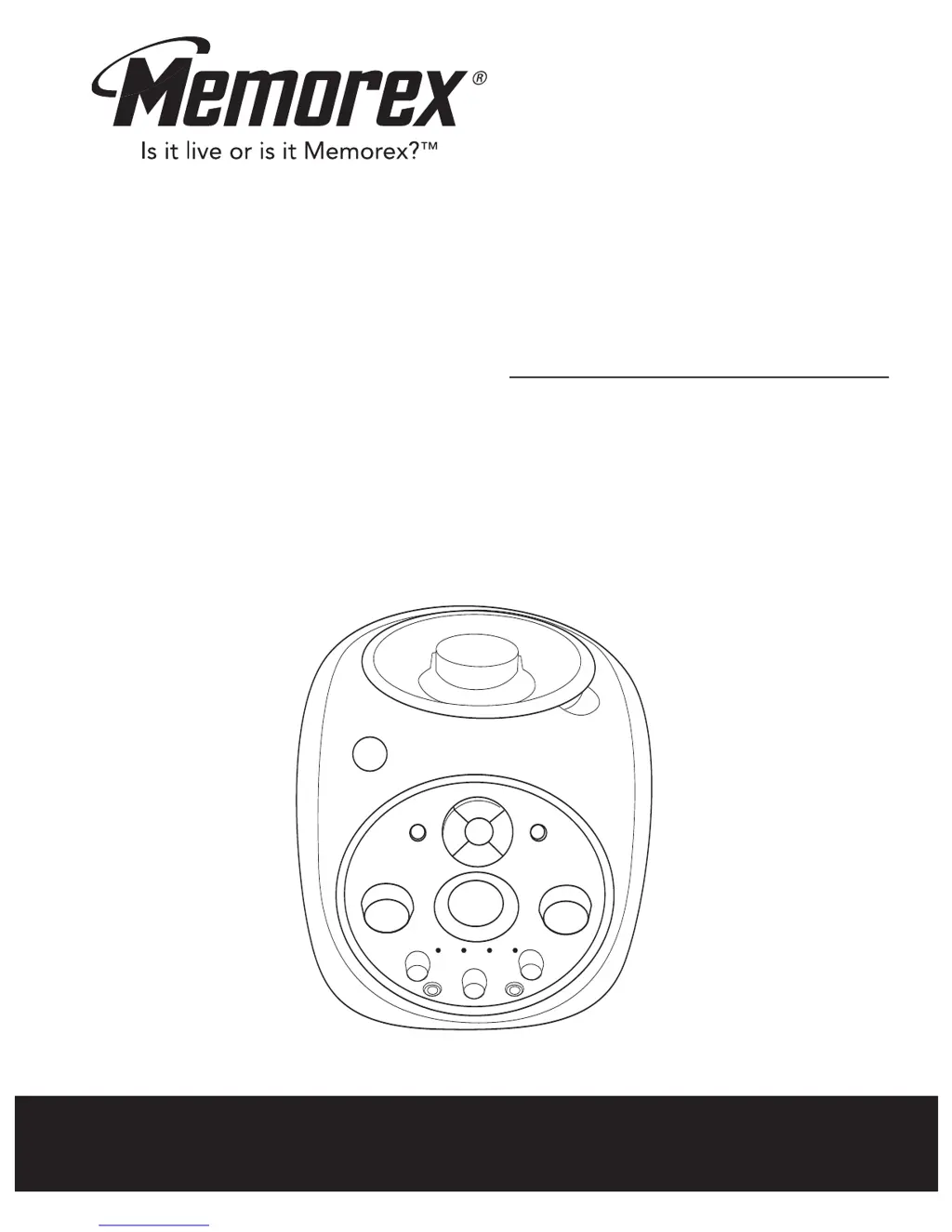
Memorex MKS2115 - User Manual

Memorex MKS2115
38 pages
Print Icon
To Next Page IconTo Next Page
Loading...
Before operating this product,
please read these instructions completely.
User’s Guide
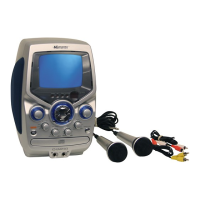
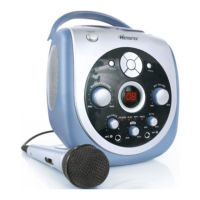
Portable CD/CD+G
Karaoke System
MKS2115

Other manuals for Memorex MKS2115

Questions and Answers

  • M
    Michael NelsonJul 26, 2025
    Why don't words appear on my TV screen when using Memorex MKS2115?
    • H
      Heather BrooksJul 26, 2025
      There are several reasons why the words might not appear on the TV screen when using your Memorex Karaoke System. First, ensure you are using a CD+G disc. Also, make sure that you have selected the correct source on your TV to match the karaoke connection (like VIDEO 1 or AUX IN).
  • N
    Nathaniel GriffinAug 1, 2025
    How to stop feedback when singing with Memorex MKS2115 Karaoke System?
    • A
      Adam SchwartzAug 1, 2025
      If you're experiencing feedback while singing with the Memorex Karaoke System, it could be that the microphone is too close to the unit or the MIC Volume is too high. Try moving the microphone away from the unit or decreasing the MIC Volume.
  • Q
    qmartinAug 9, 2025
    What to do if CD skips while playing on Memorex MKS2115?
    • W
      William OrtizAug 9, 2025
      If the CD skips while playing on your Memorex Karaoke System, the disc might be dirty or scratched. Try wiping the disc with a cloth or using another disc.
  • V
    Victor SaundersAug 17, 2025
    Why are some vocals still present when AUTO VOICE control is off on Memorex MKS2115 Karaoke System?
    • J
      Jillian JonesAug 17, 2025
      If some vocals are still audible when the AUTO VOICE control is off on your Memorex Karaoke System, it's likely because those are backup vocals, which are designed to be included. Only the main vocals are intended to be reduced by the AUTO VOICE control.

Summary

Safety Instructions

General Usage and Handling

Covers instructions on reading, retaining, following warnings, cleaning, attachments, water/moisture, accessories, ventilation.

Power, Cords, and Electrical Safety

Covers power sources, cord protection, lightning, power lines, overloading, object/liquid entry, heat.

Servicing, Mounting, and Technical Safety

Covers antenna grounding, servicing, replacement parts, safety checks, wall/ceiling mounting, damage, CATV note.

Location of Controls

Front Controls

Identifies and describes controls located on the front panel of the karaoke system.

Rear Controls

Identifies and describes connections and compartments located on the rear panel of the karaoke system.

Power Sources

AC Power

Details the procedure and notes for connecting the unit to AC power using the polarized line cord.

DC Power (Battery)

Explains how to insert batteries (8 'C' cell) into the compartment for DC operation.

Optional Connections

Connecting to Television

Explains how to connect the unit to a TV to display CD+G lyrics and audio.

Operation

Playing Compact Discs

Advanced CD Playback

Programmed Playback

How to program a sequence of up to 32 tracks for custom playback order.

Playing CD+G Karaoke Discs

Troubleshooting Guide

Memorex MKS2115 Specifications

General IconGeneral
BrandMemorex
ModelMKS2115
CategoryKaraoke System
LanguageEnglish

Related product manuals