OPERATION (CONTINUED)
13
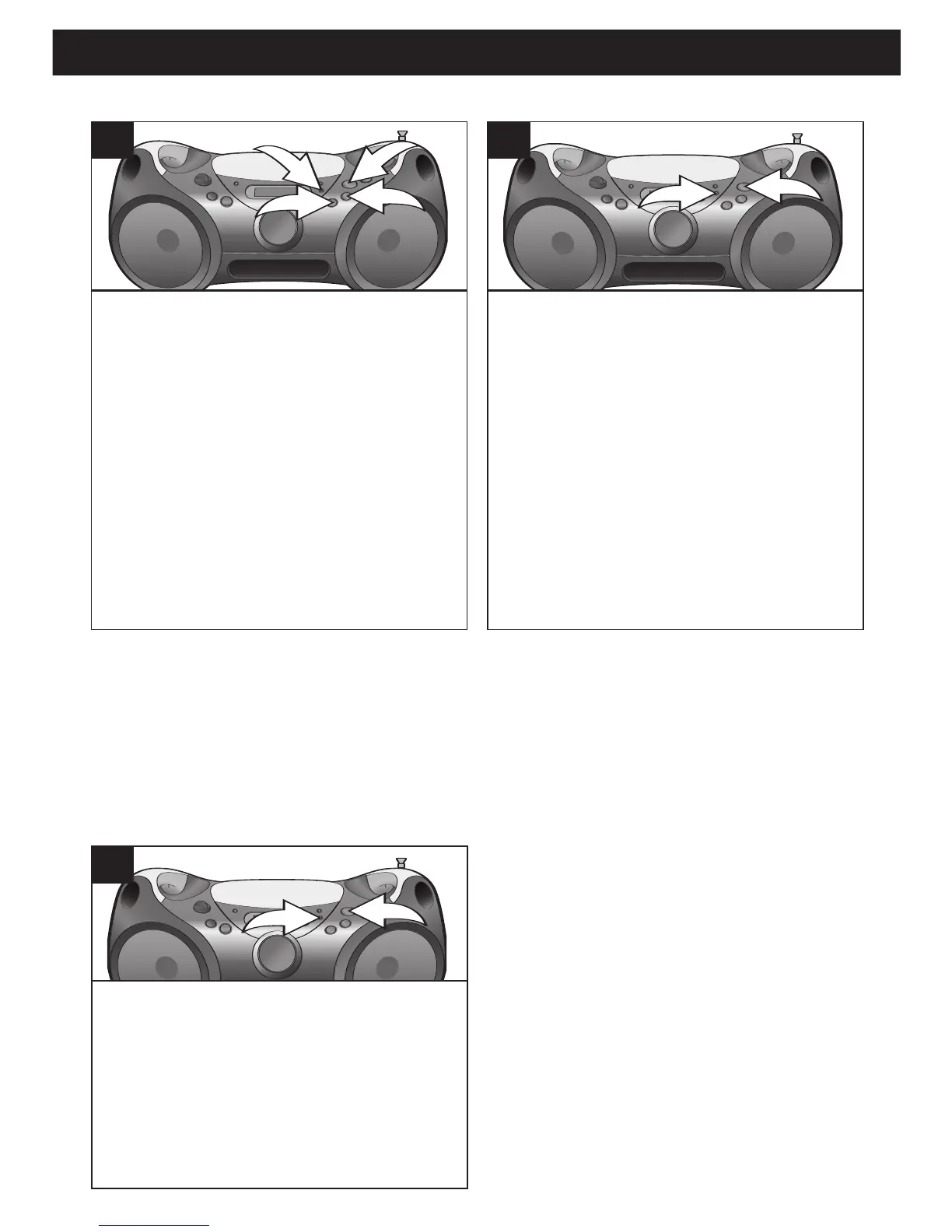
To repeat a single track/file, press the
P-MODE button
1 once while in the Stop
mode; “REP” will appear in the display.
Press the Skip/Search
o 2 or n 3 button
to select the specific track/file that you
wish to repeat. When the desired
track/file number appears in the display
,
press the PLAY/PAUSE (
®/p) button 4
to begin playback. “®” and the track/file
number (and “MP3” if an MP3 disc is
inserted) will appear in the display and
the specific track/file you selected will be
repeated continuously.
1
To repeat all of the tracks/files on a
disc continuously,
press the P-MODE
button
1 twice (three times for an MP3
disc) while in the Stop mode; “REP ALL”
will appear in the display. Press the
PLAY/PAUSE (
®/p) button 2 to begin
playback. “
®” and the track/file number
(and “MP3” if an MP3 disc is inserted) will
appear in the display and all tracks/files
will be repeated continuously.
2
To randomly play all of the tracks/files
on a disc,
press the P-MODE button 1
three times (four times for an MP3 disc)
while in the Stop mode; “RAND” will appear
in the display. Press the PLAY/PAUSE
(
®/p) button 2 to begin playback.
“
®” and
the track/file number (and “MP3” if an MP3
disc is inserted) will appear in the display
and all tracks/files will be played randomly.
1
TO REPEATEDLY PLAY BACK ONE/ALL TRACKS/FILES
TO RANDOMLY PLAY BACK ALL TRACKS/FILES
NOTES ON REPEAT MODES:
• When playing an MP3 disc, you will also have the option to repeat an album (folder).
Press the P-MODE button twice. Then, while “ALBUM” is blinking in the display, select
an album using the ALBUM UP button. Press the PLAY/PAUSE (
®/p) button to begin
playback.
• To cancel Repeat playback, press the STOP (
■) button.
NOTES ON RANDOM MODE:
• The unit will play all of the tracks/files on
the disc randomly, and then stop.
• To cancel Random playback, press the
STOP (
■) button.



 To Next Page