OPERATION (CONTINUED)
15
NOTES ON PROGRAMMED PLAY:
• Programming is the ability to preselect the order in which a series of tracks
/files will be played.
• Each track/file may be stored in the program memory as many times as
desired.
• As each track/file is played, its track/file number will be displayed. You can
move forward or backward through the programmed tracks/files with the
Skip/Search
o or n button.
• The unit will stop after all programmed tracks/files have been played or the
STOP (■) button is pressed.
• To clear the Program memory, while in the Stop mode, press the STOP (
■)
button.
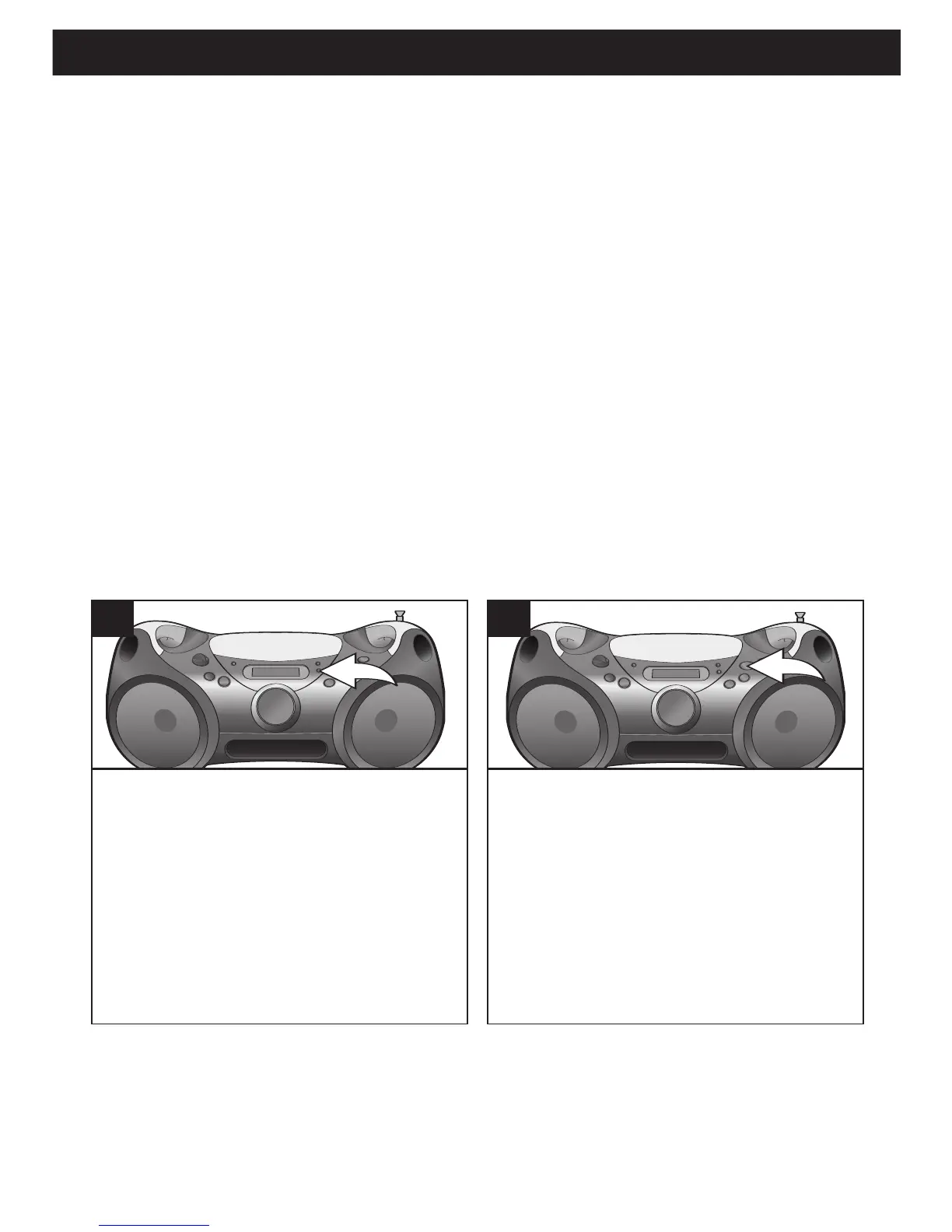
It is also possible to use the Program
and Repeat functions together to
repeat a specific program indefinitely.
First, program the tracks/files you
wish to hear in the order you wish to
hear them, as described on page 14.
Then, press the P-MODE button
twice.
1
Press the PLAY/PAUSE (®/p) button to
begin Programmed Repeat playback;
“PROG”, “REP ALL”, “
®” and the
track/file number (and “MP3” if an MP3
disc is inserted) will appear in the display.
The player will play the tracks/files you
selected in the order in which you
programmed them. When the last
track/file in the program has been played,
the entire program will begin again.



 To Next Page