OPERATION (CONTINUED)
13
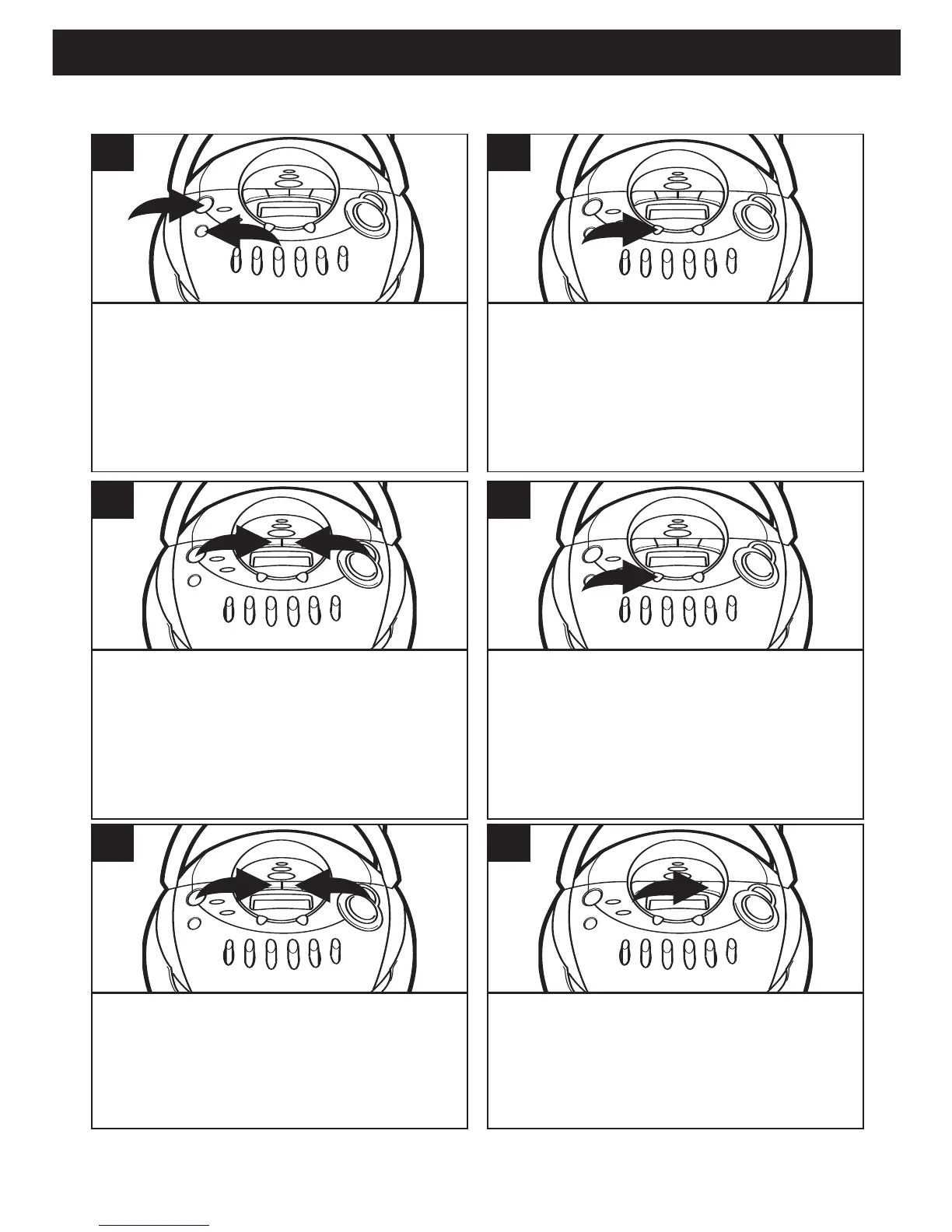
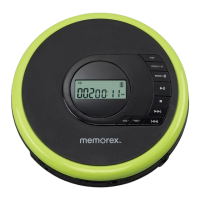
Press the POWER button 1 to turn
the unit on. Press the FUNCTION
button 2 repeatedly to select CD.
1
Press the PRESET/MEM/CLOCK
SET button; “MEM” will blink in the
display.
2
Use the Tune/Skip/Search o 1 or n 2
button to select the first track to be
programmed.
3
Press the PRESET/MEM/CLOCK
SET button again; the selected track
has now been programmed and
counted as program 1.
4
Repeat steps 3 and 4 to program the
other desired tracks in sequence.
When the program memory is full, '- -'
will blink in the display.
5
Press the PLAY/PAUSE (¨/p) button
to begin playback; “MEM” will light
and the tracks will play in the order
programmed.
6
TO PROGRAM THE MEMORY (UP TO 20 TRACKS)
SEE NEXT PAGES FOR NOTES ON PROGRAMMED PLAY



 To Next Page