27
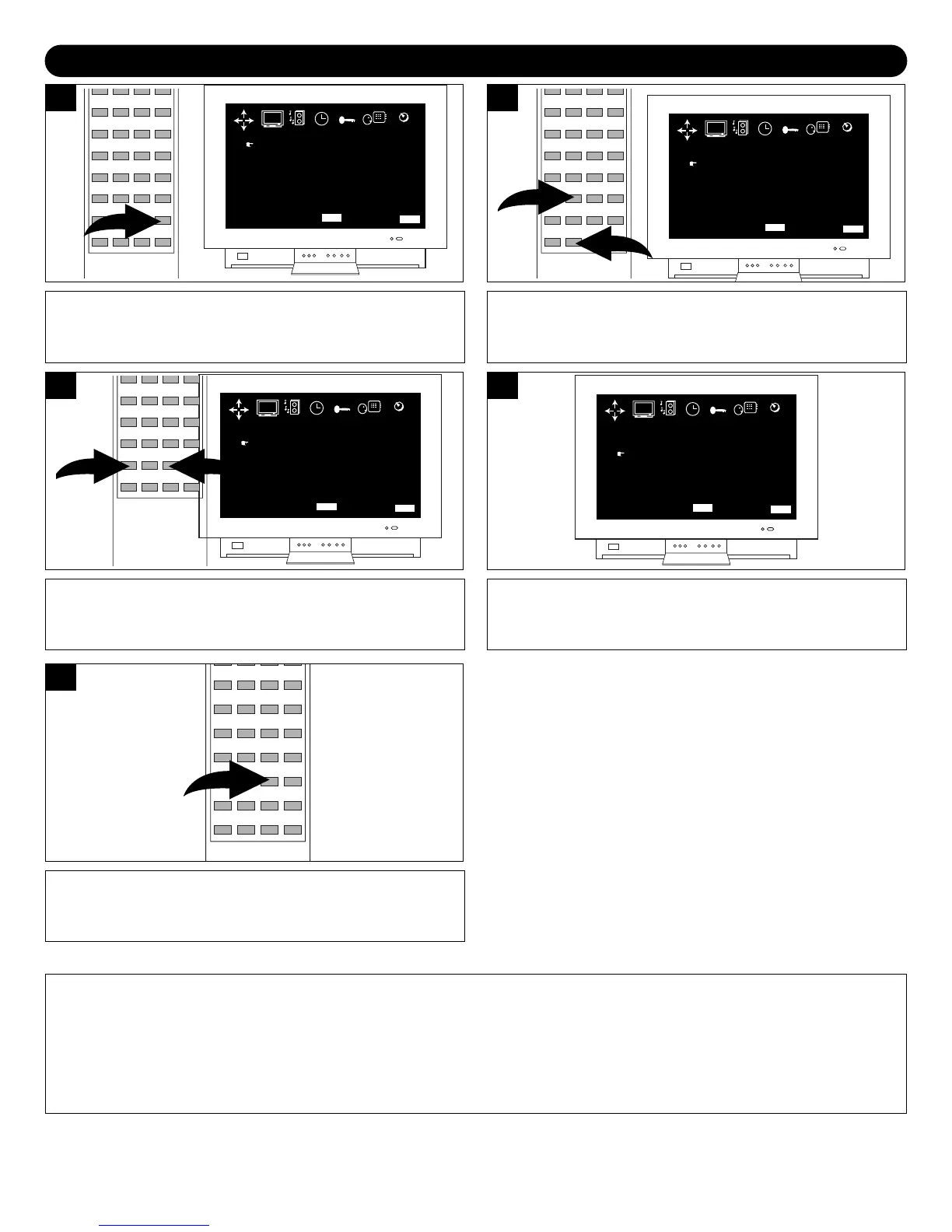
ON-SCREEN CONTROL ADJUSTMENTS (SOUND)
Press the SOUND button.
BASS
TREBLE
EFFECT
BALANCE
+03
+01
OFF
CENT
MENU BAR QUIT
MENU
EXIT
PICTURE SOUND TIMER CUSTOM
LANGUAGE
TUNING
Press the Navigation () or (❷) button to selected the
desired sound setting (BASS, TREBLE, EFFECT and
BALANCE).
BASS
TREBLE
EFFECT
BALANCE
+03
+01
OFF
CENT
MENU BAR QUIT
MENU
EXIT
PICTURE SOUND TIMER CUSTOM
LANGUAGE
TUNING
Adjust the setting using the Navigation (➛) and (❿)
buttons as desired.
BASS
TREBLE
EFFECT
BALANCE
+03
+02
OFF
CENT
MENU BAR QUIT
MENU
EXIT
PICTURE SOUND TIMER CUSTOM
LANGUAGE
TUNING
3
The EFFECT option will simulate a Surround Sound effect.
Choose between OFF, MOVIE or HALL.
BASS
TREBLE
EFFECT
BALANCE
+03
+02
HALL
CENT
MENU BAR QUIT
MENU
EXIT
PICTURE SOUND TIMER CUSTOM
LANGUAGE
TUNING
4
Press the EXIT button to exit the SOUND menu.
5
NOTE:
You cannot enter any of the other menus (LANGUAGE, TIMER, etc.) after pressing the SOUND button. You must enter
the menu using the MENU button.



 To Next Page