Programming
Programming Menus
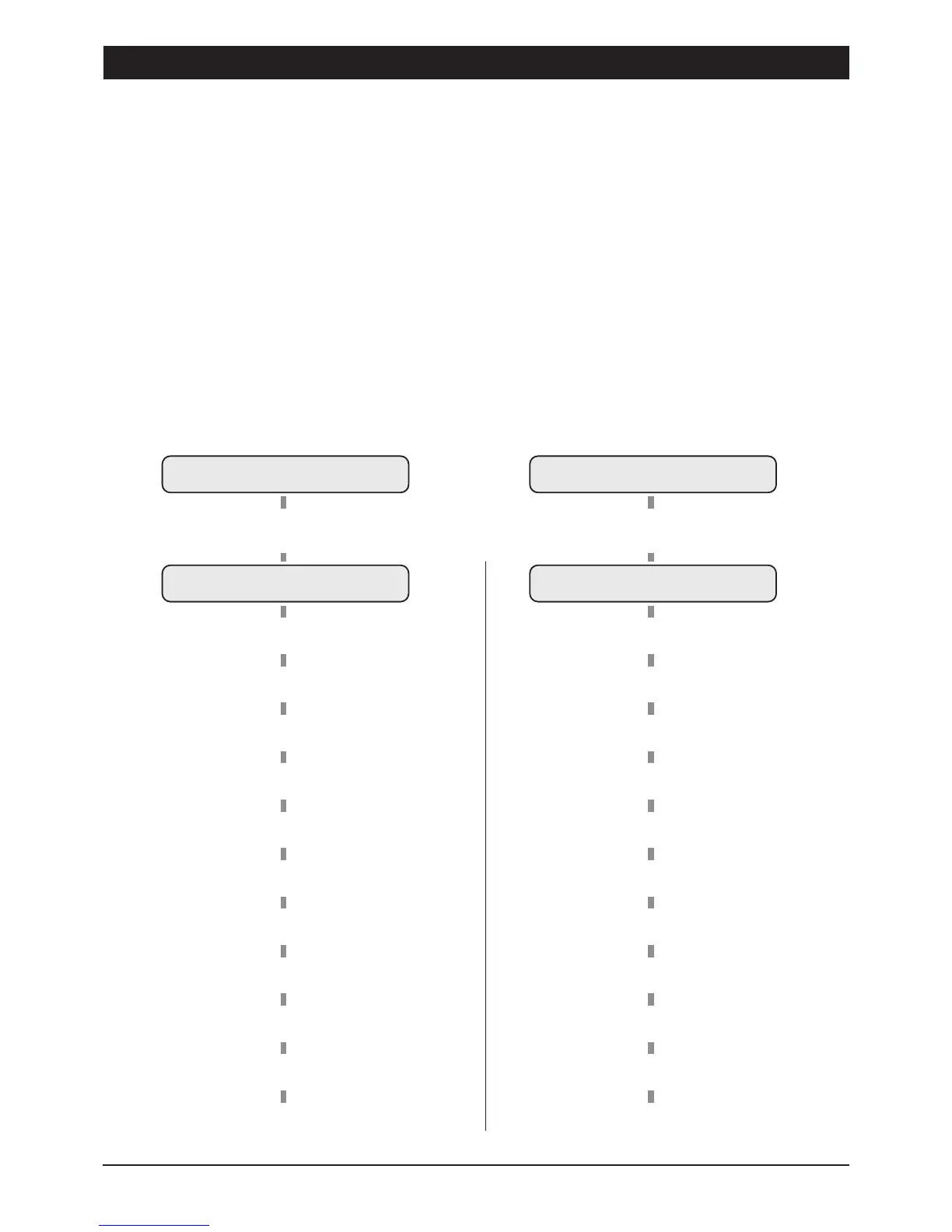
There are two programming menus within the system. The engineer's programming menu
and the user programming menu. The figure below shows the structure of both
programming menus, however the engineers programming menu is only covered in full
detail within this manual. For full details on the user programming, see User Manual.
Either menu can be accessed from the unset condition, however the function of the HOME
and AWAY keys change once the programming menu is selected. The HOME key functions
as the ENTER key and the AWAY key functions as the ESCAPE key.
UNSET
Enter Engineer's Passcode
(Default
1 2 3 4
)
ENGR. OPTION -
1
= ProgramZones
2
= View Event Log
3
= Walk T est
4
= Exit T ime *
5
= Entry T ime *
6
= Bell Duration *
7
= Change Engineer's Code *
8
= Change Remote ResetNo. *
9
= System Options
0
= Dialler Alarm Options
]
= Returnto Unset mode
Engineer'sOption Menu
UNSET
Enter first 3 digitsof Passcodethen
[
(e.g.,
5 6 7 [
)
USER OPTION -
1
= Bell Test
2
= Walk T est
3
= Remote Reset*
4
= Change Passcode 1 *
5
= Change Chime Zones
6
= Change Passcode 2 *
7
= Home Area Configuration
8
= Dialler Programming *
9
= View Event Log
0
= Dialler Reporting Options *
]
= Returnto Unset mode
User Options Menu
* These optionscannot beprogrammedusingthe remotekeypad.
Programming TSD402 Installation Manual
20


 To Next Page