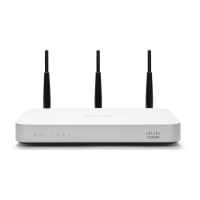
1 MX60 Overview
The Meraki MX60 is an enterprise router designed for distributed
deployments that require remote administration. It is ideal for network
administrators who demand both ease of deployment and a state-of-the-
art feature set.
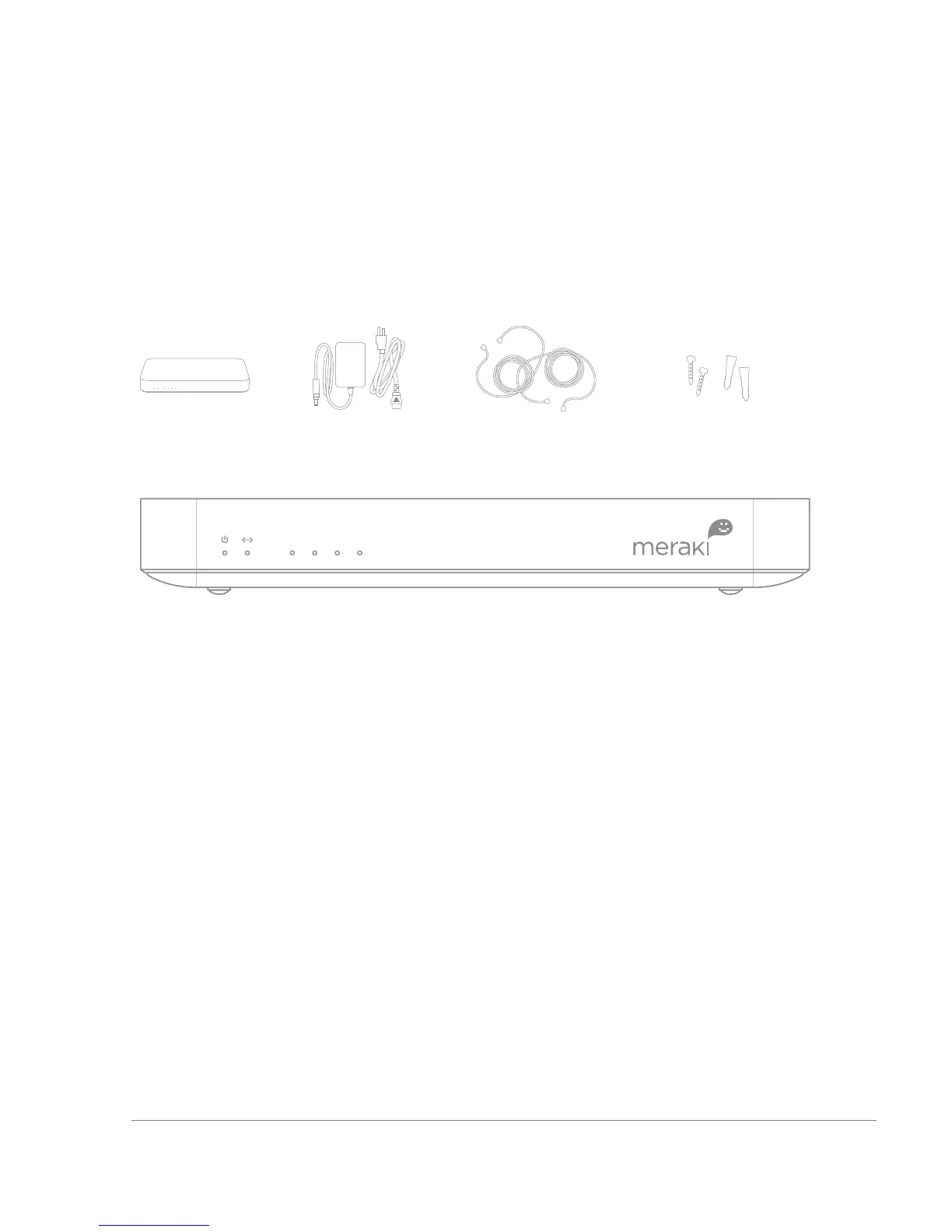
1.1 Package Contents
1.2 The MX60 Front Panel
There are 3 types of LED in MX60
• Power light: First one from the left.
• WAN light: Second one from the left.
• LAN lights: The four LEDs that are grouped together and
numbered 1 – 4.
1.2.1 LED Color Rules
• Solid Green: Fully operational.
• Flashing Green: Operational but operation in progress (e.g.
upgrade).
• Solid Orange: Attempting to establish connection.
• Flashing Orange: Alert indicating that device requires attention.
Dashboard will contain additional information about the alert.
1.2.2 Power-on Sequence
1. All lights will flash twice on power on.
2. Power light will turn solid orange after the flash.
3. Power light will turn green after the unit has been able to
contact the Meraki dashboard and download its configuration.
4. WAN light will be off during boot and when no WAN link.
5. WAN light will turn orange after boot up and initial link.


 To Next Page