9. You are now ready to begin monitoring your network
through the Meraki Dashboard.
2.4.2 Passthrough Mode
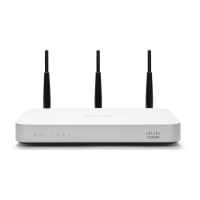
In passthrough mode, the Meraki MX60 is transparent to the rest of the
network. You should use passthrough mode if you don’t want your
router to provide NAT functions. In this mode, the router requires one
IP address in order to communicate with the Meraki Cloud Controller
Internet (WAN) IP address settings:
If you need to set static IP address, please follow the same instructions
for WAN IP configuration from the Router Mode section above.*


 To Previous Page