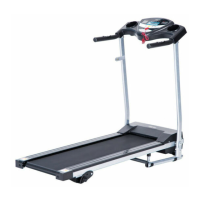
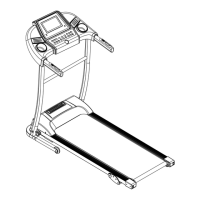
Operation Guide
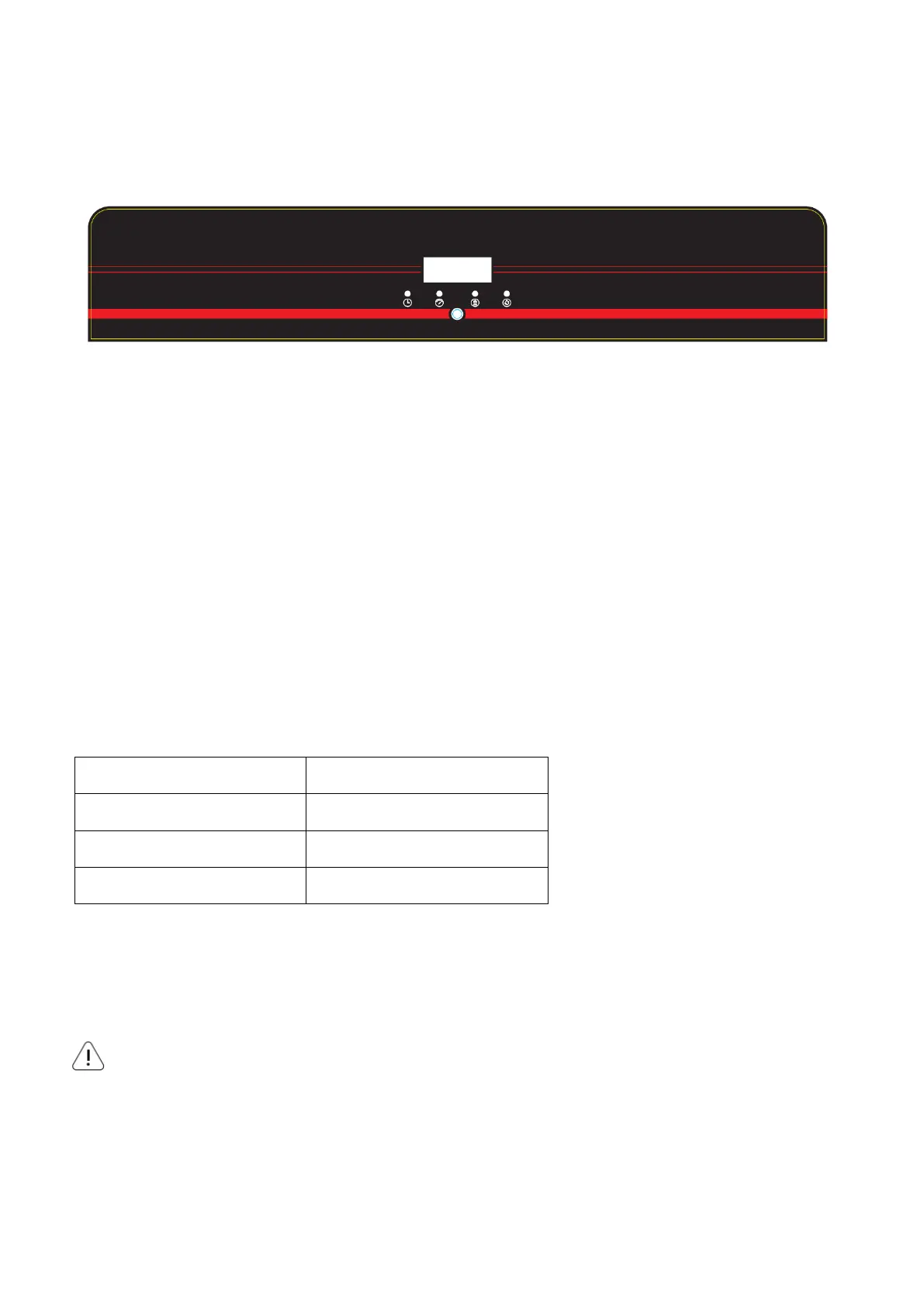
CONTROL PANEL
Flip the Master Power Switch that is located at the front of treadmill to the ON position.
LED Display Description
· Speed display
· Time display
· Distance display
· Calorie display
Parameter Description
· Minimum display speed of 1.0 KM/H
· Maximum display speed of 12.0 KM/H
Plug in the power, turn on the power switch. The display shows the program code first, then the beep will
enter the manual standby mode after the full display: SPEED displays 0.0; TIME displays 0:00;
DISTANCE displays 0.00; CALORIE displays 0.
NOTE:
Always stand on the side rails when you start the treadmill, never start the treadmill while you are standing
on the running belt.


 To Next Page