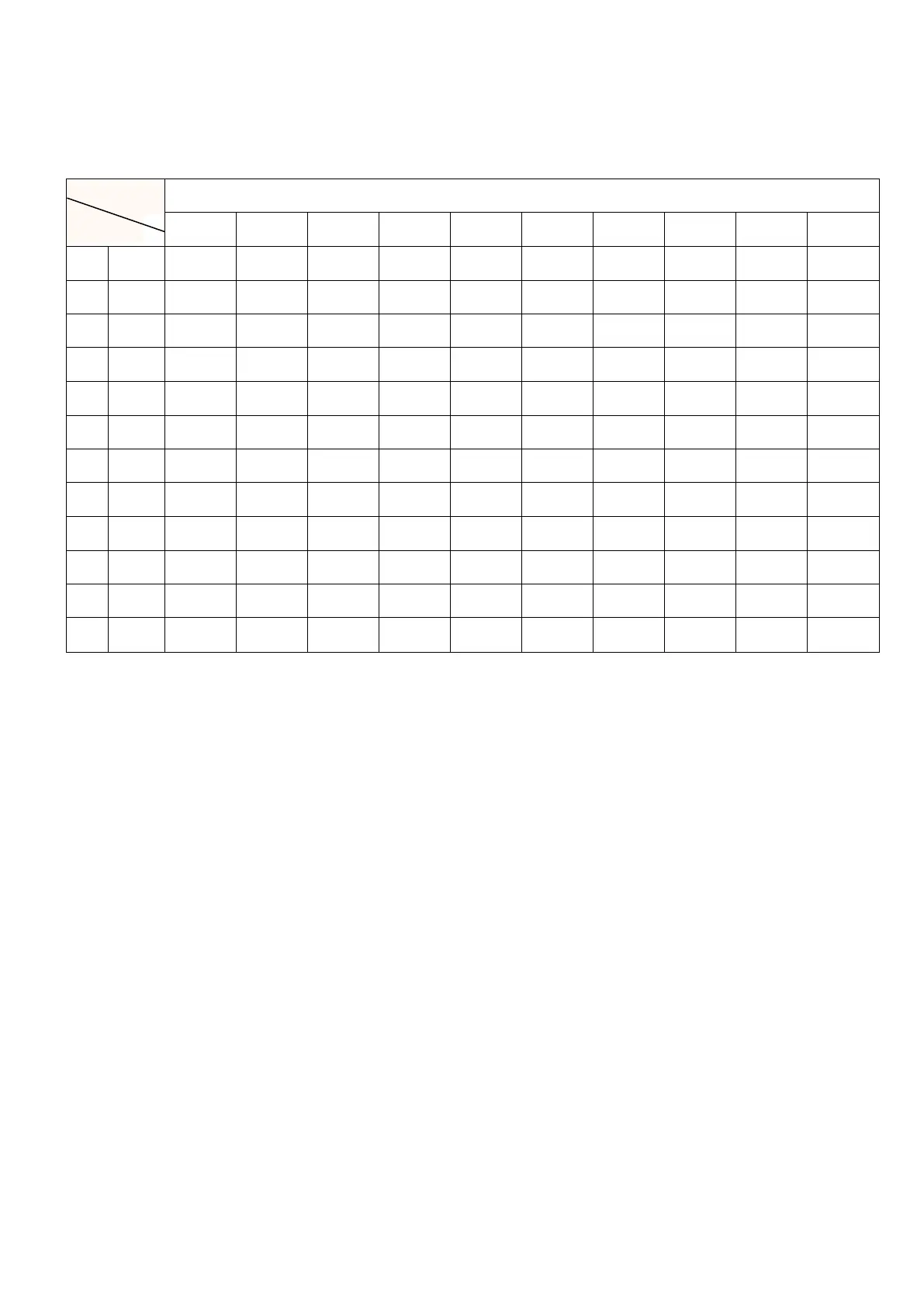
P01-P12 Program Map (Optional Function)
- Countdown Function:
1. First turn on the power switch of the treadmill.
2. In standby mode, press the "M" button to enter three countdown modes: Time, Distance and Calorie.
During the mode switch, the indicator light for the current mode will always be on. Then select one of the modes you
want, and press the "+" and "-" keys can be used to increase and decrease the value of the countdown function.
3. After setting the countdown value, press START/STOP to run.
4. When you want to quit the countdown function, press START/STOP to stop.
5. The treadmill will stop when the setting value run to 0, the machine will enter into standby mode after 5 seconds.
**Setting range of countdown function:
Time: The initial value is 30 minutes, the range is 5-99 minutes, varying in units of 1 minute.
Distance: The initial value is 1 Km, the range is 1-99 Kms, varying in units of 1 Km.
Calories: The initial value is 50 kcal, the range is 20-990 kcal, varying in units of 10 calories.


 To Next Page