19
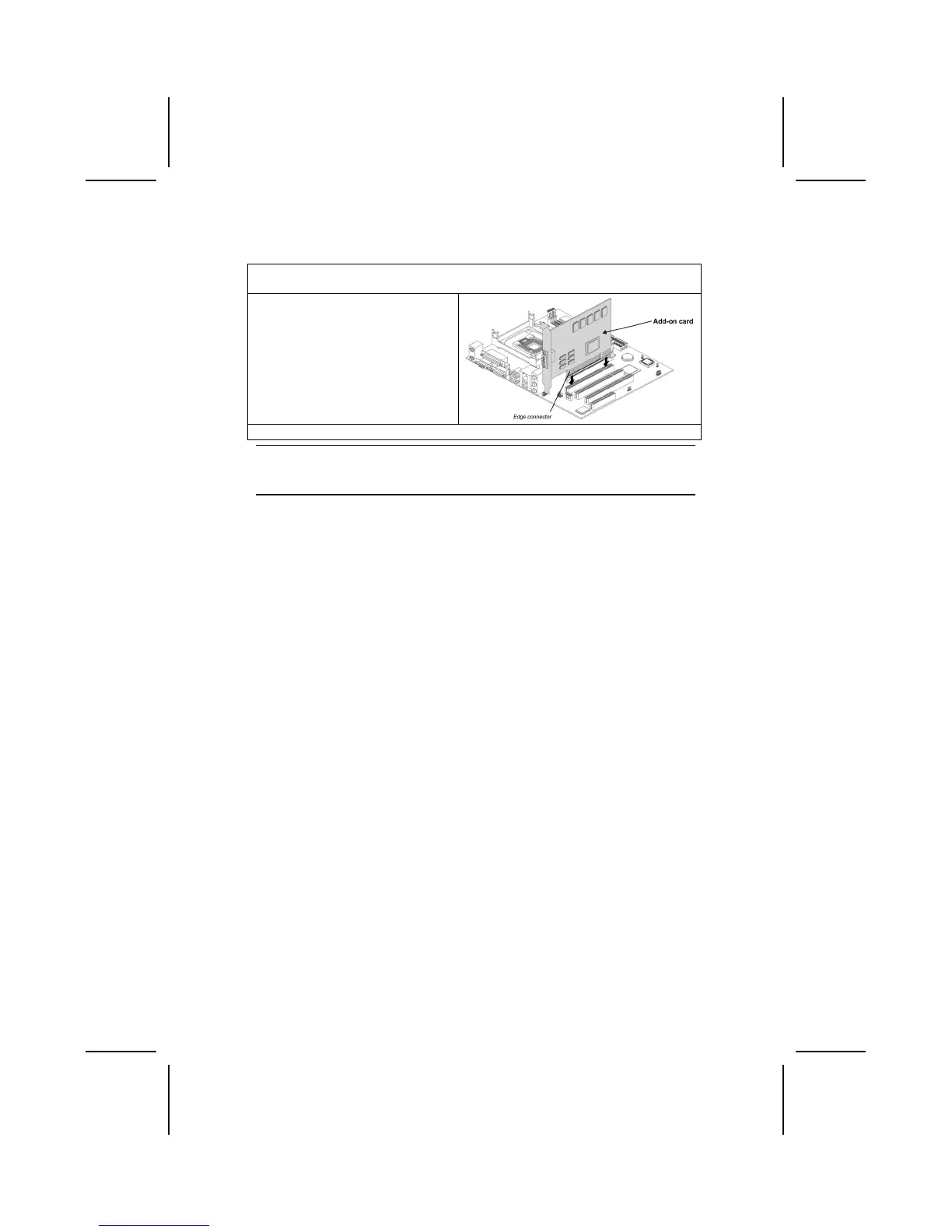
Follow these instructions to install an add-on card:
1. Remove a blanking plate from the system case corresponding to the slot you
are going to use.
2. Install the edge connector of the
add-on card into the expansion
slot. Ensure that the edge con-
nector is correctly seated in the
slot.
3. Secure the metal bracket of the card to the system case with a screw.
Note: For some add-on cards, for example graphics adapters and network adapters,
you have to install drivers and software before you can begin using the add-on
card.



 To Next Page
 Loading...