13
Chapter 3 Mercusys Cloud Service
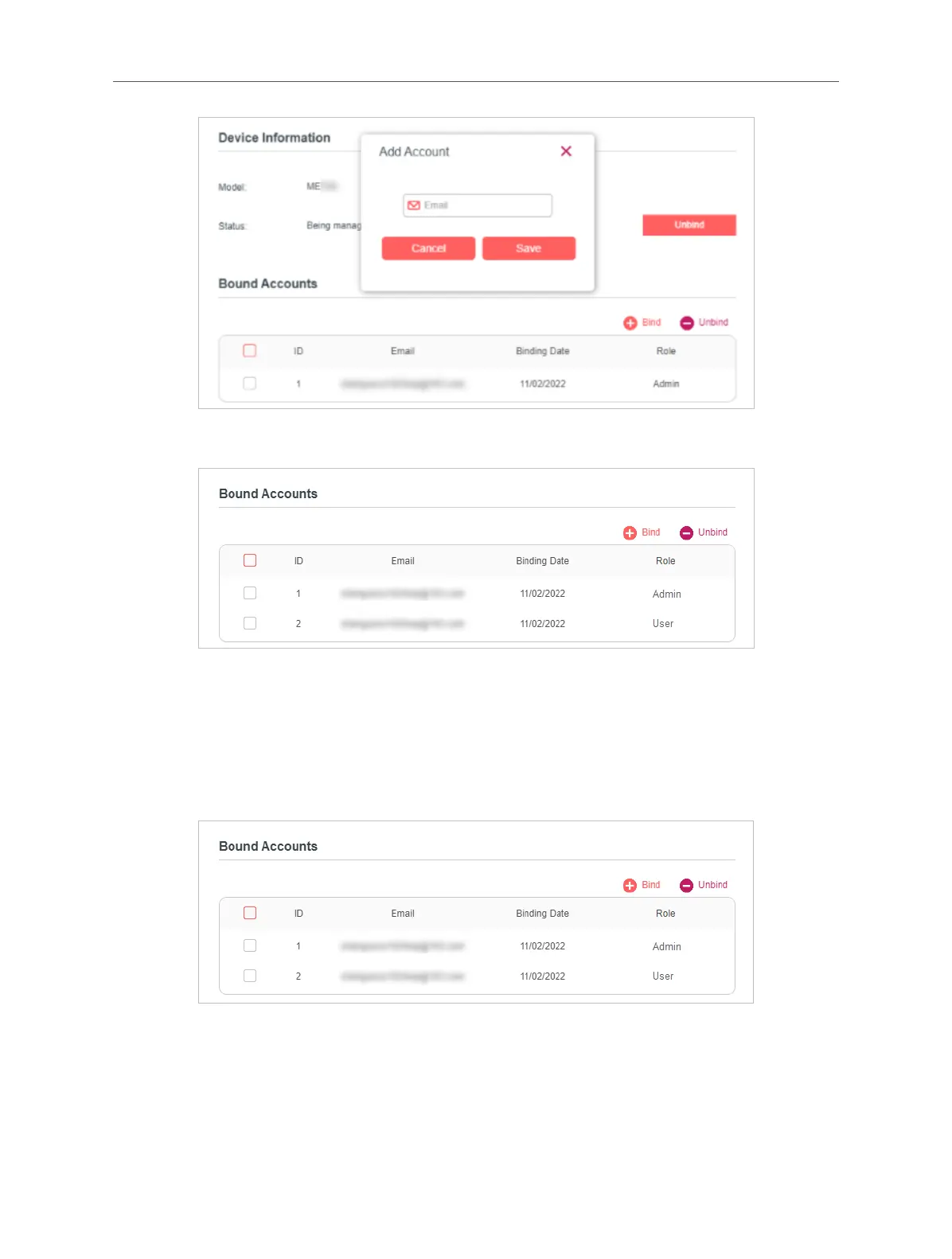
4. The new Mercusys ID will be displayed in the Bound Accounts table as a User.
3. 1. 2. Remove Mercusys ID(s) from Managing the Extender
1. Visit http://mwlogin.net, and log in with your Mercusys ID.
2. Go to Settings > Mercusys ID, and focus on the Bound Accounts section.
3. Tick the checkbox(es) of the Mercusys ID(s) you want to remove and click Unbind.
3.3 Manage the Extender via the Mercusys App
The Mercusys app runs on iOS and Android devices, such as smartphones and
tablets.
1. Launch the Apple App Store or Google Play store and search “Mercusys” or



 To Next Page