21
Chapter 4 Customize Your Network
Access Control allows you to permit or block specic devices from accessing the
internet for a specic period.
1. Visit http://mwlogin.net and log in with the password you set for the extender.
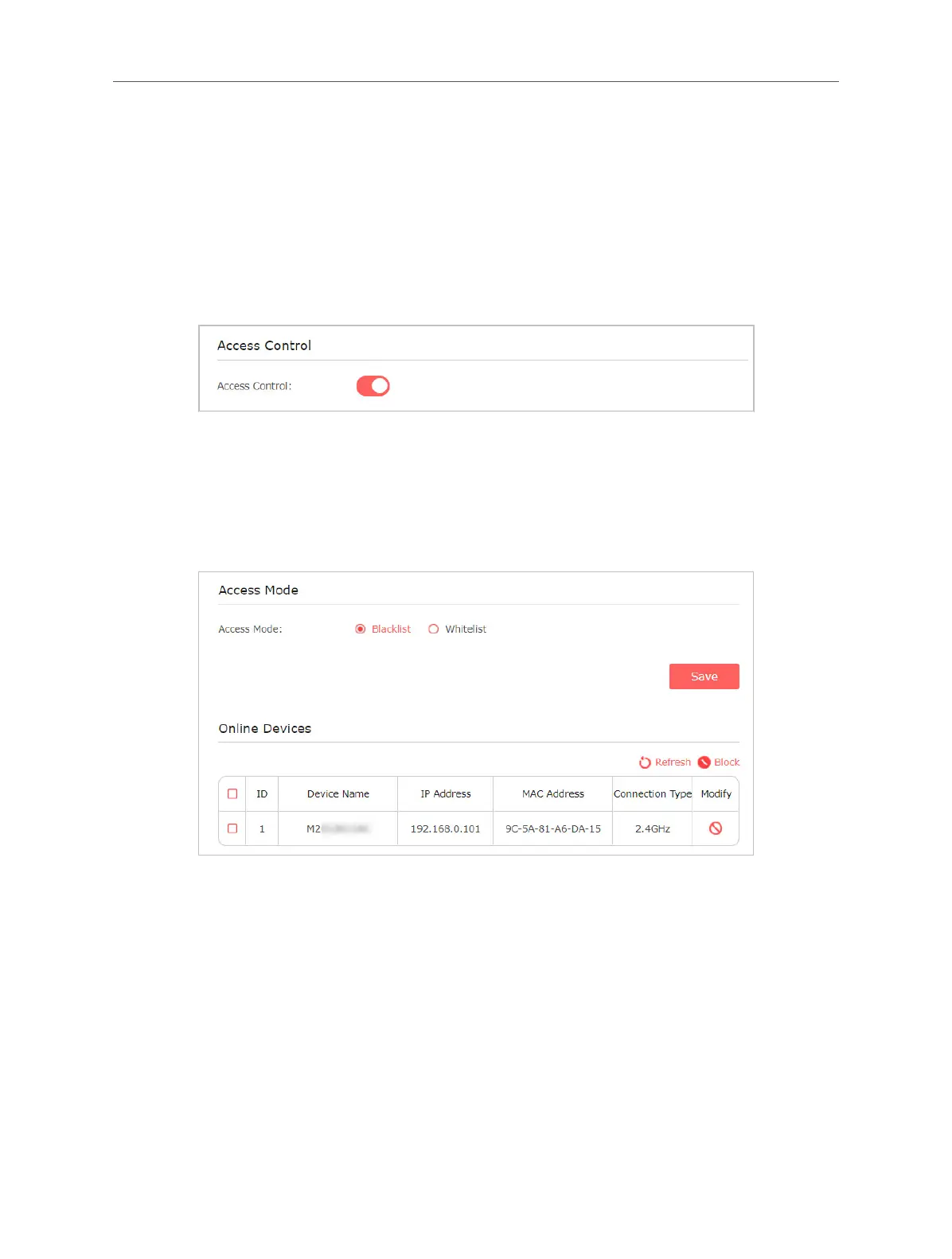
2. Go to Settings > Advanced Settings > Access Control.
3. Enable Access Control.
• To block specic device(s):
Note: Devices connected to the extender via an Ethernet cable cannot be blocked.
1. Select Blacklist and save the settings.
2. Find the devices in the Online Devices table and click Block.
In the Devices in Blacklist table, you can manually add devices or edit the entries
to custom the eective time.



 To Next Page