ISIS User Guide : Chapter 6 - The Default Configuration
Page 22
F6 ZM PREV (Zoom Previous)
F9 UNDO
F10 REDO
F11 No assignment
F12 MORE
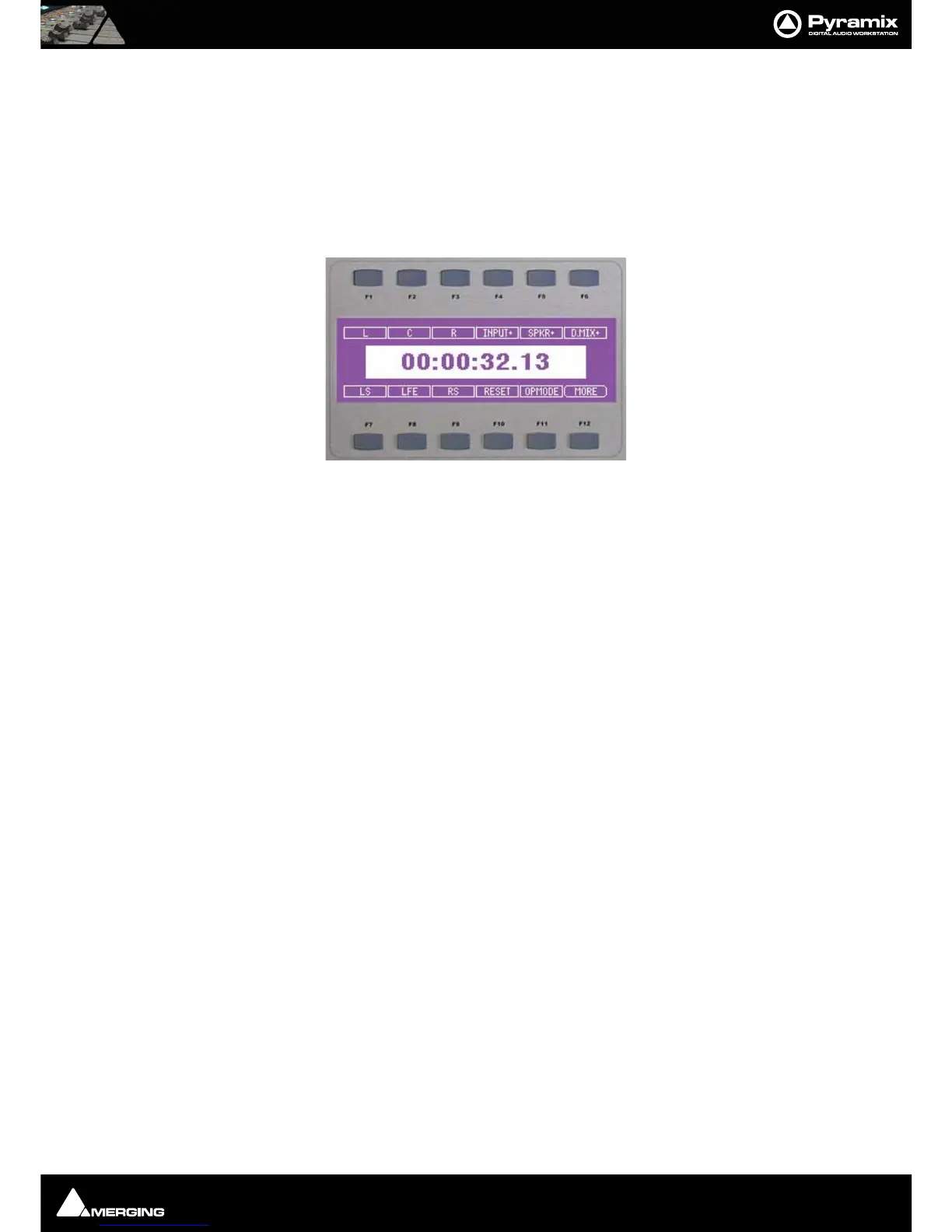
Monitor page
This page controls the Pyramix Monitor functions as follows:
F1 L Mute Front Left speaker output. With SHIFT Mute Left Inner speaker output.
F2 C Mute Front Centre speaker output.
F3 R Mute Front Right speaker output. With SHIFT Mute Right Inner speaker output.
F4 INPUT + Monitor Next Input. With SHIFT Monitor Previous Input
F5 SPKR + Monitor Next Output Speaker Set. With SHIFT Monitor Previous Output Speaker
Set
F6 DMIX+ Monitor Next Output Downmix. With SHIFT Monitor Previous Output Downmix
F7 LS Mute Left Surround Speaker Output
F8 LFE Mute Subwoofer Output
F9 RS Mute Right Surround Speaker Output -
F10 RESET Reset Speakers
F11 OPMODE Monitor Operation Mode. Cyles through Mute, Solo and SoloX functions for the Speaker
Mute F keys
F12 MORE



 To Next Page