ISIS User Guide : Chapter 8 - User Configuration
Page 29
Saving and loading Mappings
User Mappings
Clicking on the Load or Save buttons opens a Windows File Browser. ISIS Template Files with .map extension can
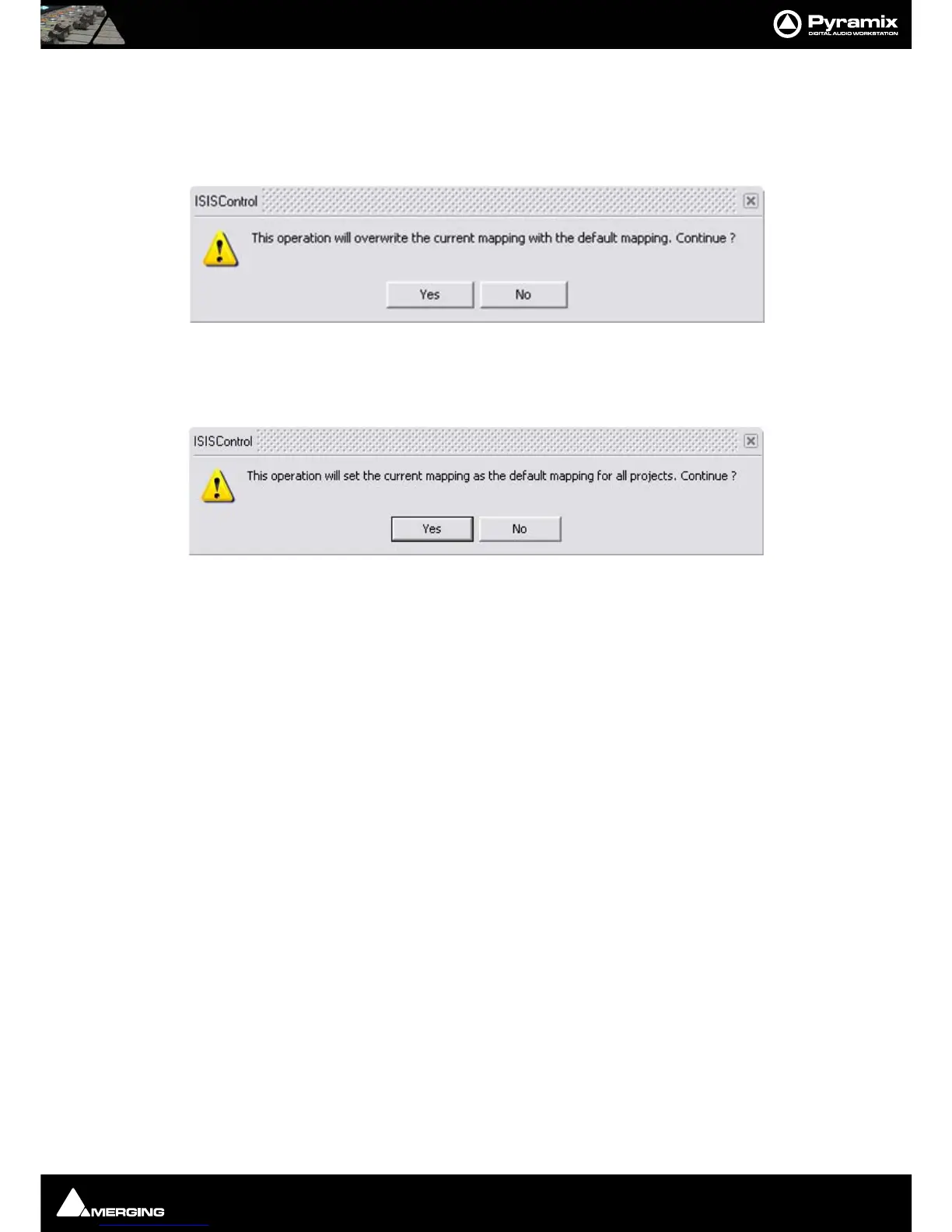
be saved or loaded at will. Clicking on Load Default opens this dialog:
Click on Ye s to overwrite the current ISIS mapping with the default mapping or No to cancel.
Default mappings
Clicking on Save Default opens this dialog:
Click on Ye s to set the current mapping as the default mapping for all projects or No to cancel.
Mappable Functions
A complete list of mappable functions can be found in Appendix I
Tips and Tricks
Auto-Solo
When any of the Jog modes are activated (Jog, Trim, Fade etc.) you may only wish to listen to the selection. Check
the Auto-Solo Selection box in the Settings > All Settings > Application > Jog/Chase : Jog Settings section. If
you wish to keep one or more tracks audible that are not part of the selection simply check the SF (solo-safe) box
on the strip.



 To Next Page