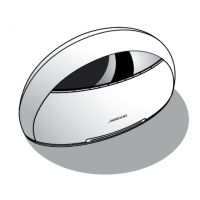
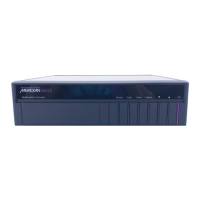
Using the multimedia controller
11
To select a source
● Press Source (front panel) until the display shows the source
you want.
For example:
CD
Alternatively, press the appropriate source key on the remote;
eg CD.
After a short delay the display shows the currently selected
source and volume setting.
For example:
CD65
Last Valid option
The audio or video input for a source can be defined as Last
Valid, in which case selecting the source will leave the audio or
video input unchanged.
For example, by default the CD source has the video input
defined as Last Valid. This allows you to select TV followed by
CD to watch the TV picture while listening to a compact disc,
instead of the TV sound.


 To Next Page