38
Configuring the multimedia controller using a computer
To connect the serial cable
The serial cable is symmetrical, and can be connected either
way round.
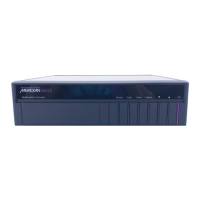
● Connect one end to the RS232 connector on the back panel
of the 562V Multimedia Controller.
● Connect the other end to one of the serial ports on the PC or
PC notebook computer.
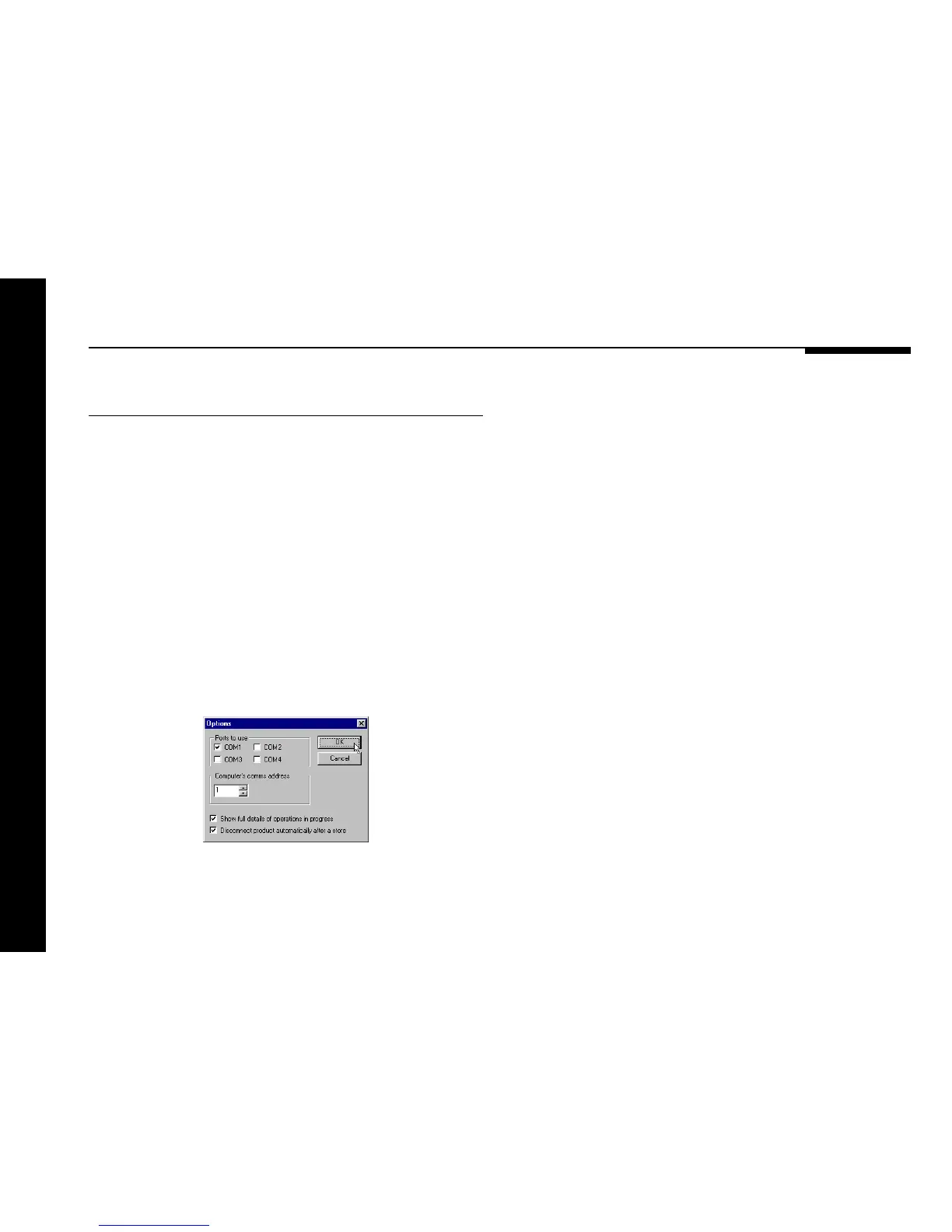
Then specify the serial port you are using as follows:
● Choose Options... from the View menu to display the
Options dialogue box:
● Select the port you want to use and click the OK button.


 To Next Page