40
Configuring the multimedia controller using a computer
To display the settings
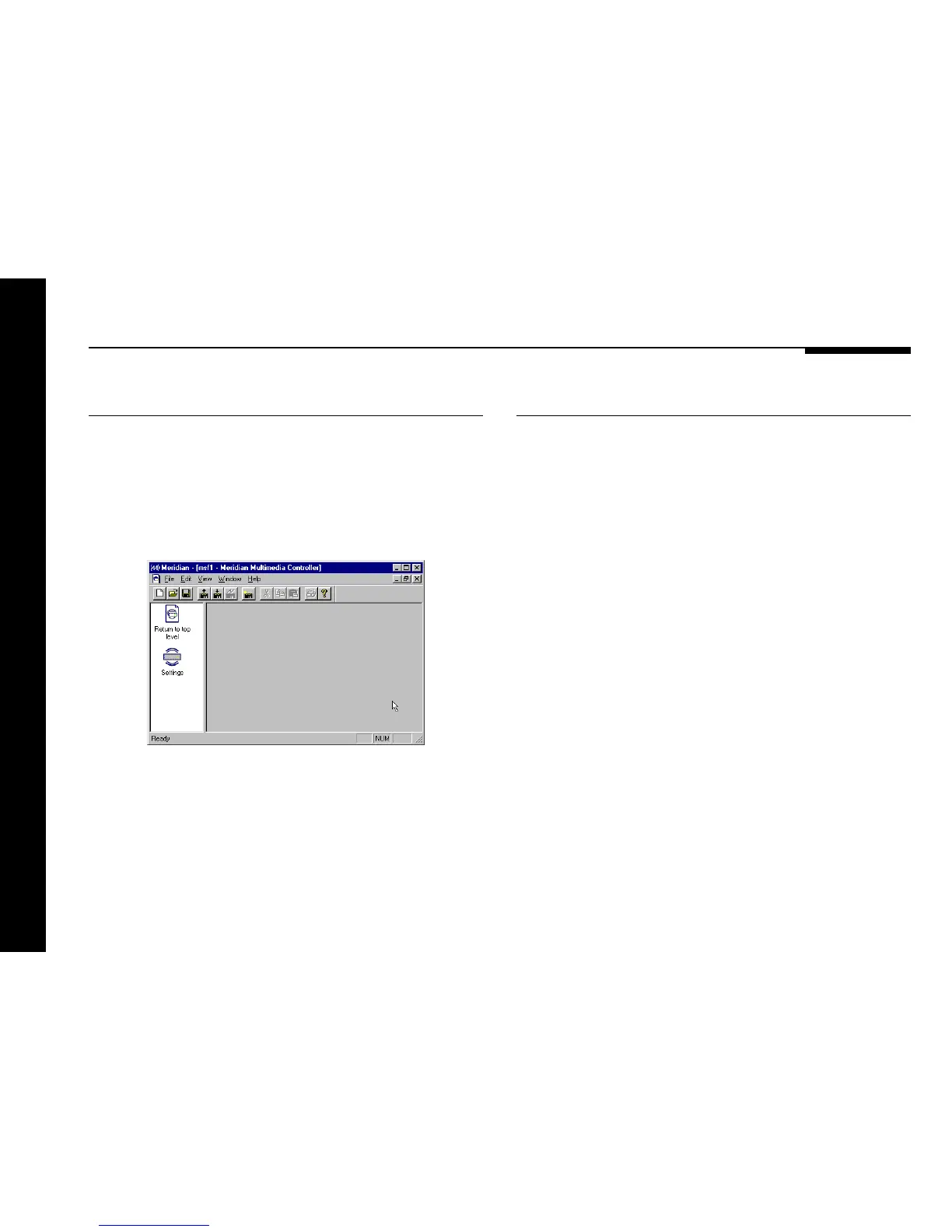
● Double-click the Multimedia controller icon, to open it and
display the settings it contains.
The left-hand panel of the Meridian window will change to show
the following two icons:
Settings is the initial configuration in the settings file.
Double-clicking Return to top level takes you back to the
previous level.
To display or edit the settings
● Double-click the Settings icon.
The Meridian window will change to show the two categories of
settings contained in the settings file: Sources and Setup.
The options available in each case are explained in the following
sections.
At this stage you may find it useful to maximise the Meridian
Configuration program window so you can see all the options on
each screen.


 To Next Page