17
QUICK RECORDING GUIDE
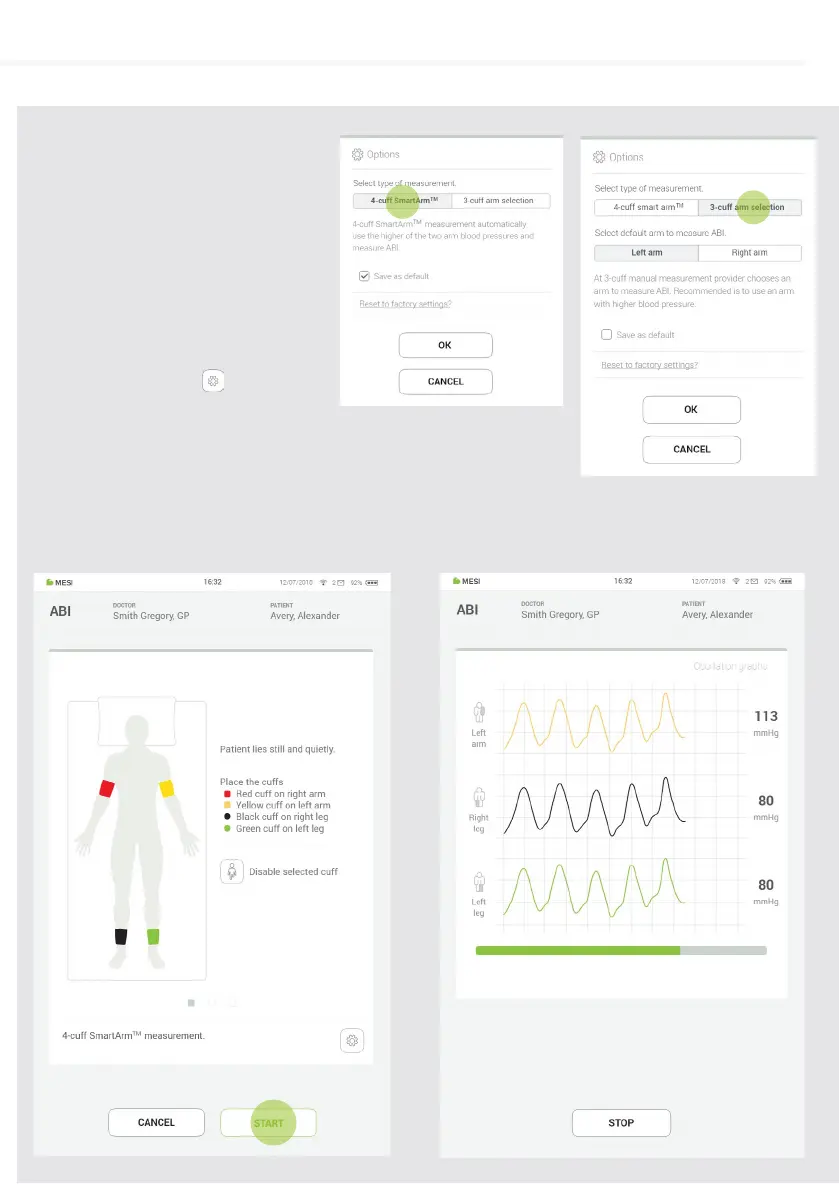
When starting the ABI application for
the first time the default settings can
be set by selecting between a 3-cu
or 4-cu ABI measurement (when
selecting a 3-cu measurement,
please select right or left arm) and
confirming.
These settings can be changed at
any time by pressing
Step 3
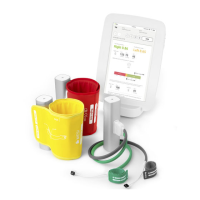
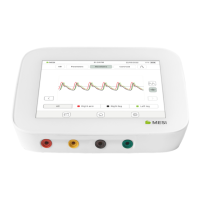
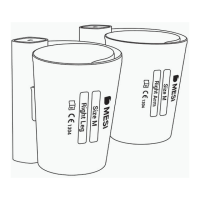
Observe the position indication on the cus and place them on appropriate arm or leg.
Then press START (1) and wait until the measurement is completed (2).
Step 4


 To Next Page