20
DETAILED INSTRUCTIONS
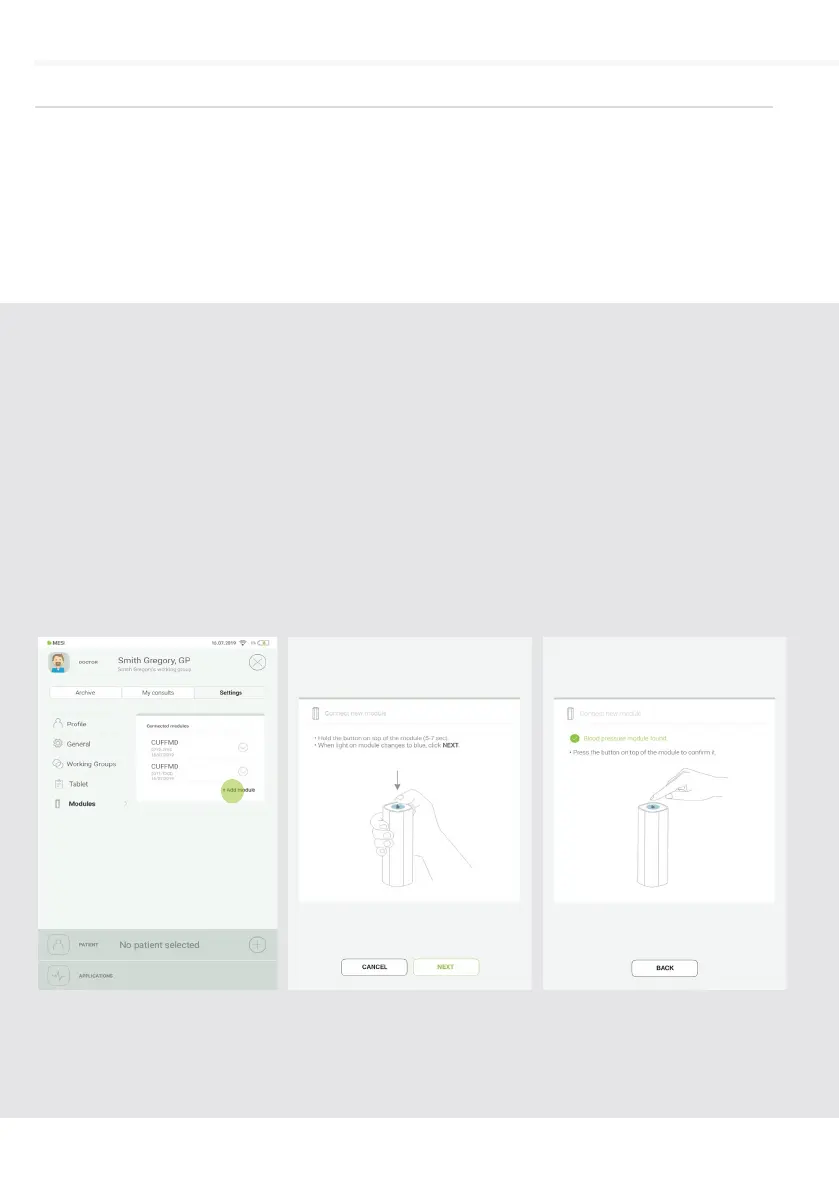
Go to User profile > Settings
> Modules > +Add module
Step 1
Press and hold the button
on the top of the MESI
TUBELESS CUFF UNIT until
the multifunctional button light
changes to blue.
Step 2
When the MESI mTABLET UNIT
establishes a connection with
MESI TUBELESS CUFF UNIT,
the light on top of the module
will change to green. Confirm
the pairing process by pressing
the button on top of the
module again.
Step 3
PAIRING
5.1.5
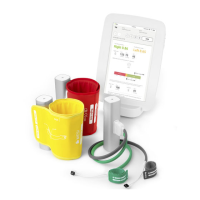
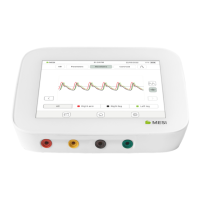
Before any measurements can be performed the MESI TUBELESS
CUFF UNIT has to be paired with the MESI mTABLET UNIT. Take
the MESI mTABLET UNIT, open user profile (for more information
about user accounts see MESI mTABLET instruction manual, chapter
MANAGING USERS) and observe the following instructions.


 To Next Page